A fast alert isn't automatically a useful alert. A congressional disclosure can arrive up to 45 days after a covered transaction, and reported amounts are ranges, not precise trade sizes. Corporate Form 4 filings and institutional 13F reports have their own timing limits, while price and news alerts answer an entirely different question.
The best stock alert service depends on the signal you want to follow. This comparison weighs signal source, speed, customization, research depth, practice tools, cost transparency, and fit for different trader profiles. It also separates a platform capability from a conclusion about what a market signal means.
The roundup covers TradeLikeInsiders, Trade Ideas, Benzinga Pro, TrendSpider, TradingView, FINVIZ Elite, and MarketSurge. For verification, use primary records such as House and Senate financial disclosures, SEC EDGAR, Form 4 filings, and 13F filings. An alert is an information prompt, not a buy or sell recommendation.
Table of Contents
- 1. HeliosNet LLC
- 2. Trade Ideas
- 3. Benzinga Pro
- 4. TrendSpider
- 5. TradingView
- 6. FINVIZ Elite
- 7. MarketSurge
- Top 7 Stock Alert Services Comparison
- Choose by Signal, Then Verify the Source
1. HeliosNet LLC
TradeLikeInsiders, from HeliosNet LLC, focuses on public-official disclosures, corporate insider activity, whale transactions, and policy context. Its Live Signal Engine scans congressional disclosures, SEC Form 4 filings, selected agency releases, and large-whale activity, then adds AI summaries, confidence cues, and timestamped source context.
The timestamps are central to evaluating the signal. A Form 4 filing may describe an earlier transaction, while the market reacts when that filing becomes public. TradeLikeInsiders helps users separate the transaction date from the publication time, so a delayed disclosure is not mistaken for a live trade alert.
A practical workflow starts with a Form 4 notification. The user checks the underlying filing, confirms when it was published, reviews the transaction details, and paper-trades a possible reaction before risking capital. That process turns an alert into a research prompt rather than an instruction to buy or sell.
The platform groups research through Agents, Committee, and Power Players views. Its AI Market Read examines clusters across disclosures and markets, while Expert AI Q&A answers research questions with citations. Plain English and Experienced presentation modes let users adjust how the same evidence is displayed.
Why it stands out
TradeLikeInsiders includes a paper-trading terminal with simulated capital, order journaling, and performance history. Users can record how they respond to a disclosure or policy event and review that process later. Watchlists sync across devices through a PWA app.
Practical rule: Treat a filing as a starting point for research. Check the underlying disclosure, transaction date, publication timestamp, and broader market context before forming a view.
Pricing is clearly presented. The Free level provides entry access, Pro costs $9.99 per month, and Elite costs $19.99 per month. Higher tiers add priority trackers, deeper feeds, real-time features, AI predictions, and premium crypto tools. See the current TradeLikeInsiders platform for plan details, since access can change.
The trade-off is speed. Publisher-timestamped disclosures will not satisfy traders seeking streaming prices or extremely low-latency execution, and some real-time features require paid tiers. The platform fits retail investors who want to investigate policy-driven signals, congressional activity, Form 4 filings, or crypto flows in one guided workspace.
Best for: policy-focused investors, event-driven researchers, congressional-trade followers, crypto portfolio managers, and beginners who want guided research plus paper trading.
2. Trade Ideas
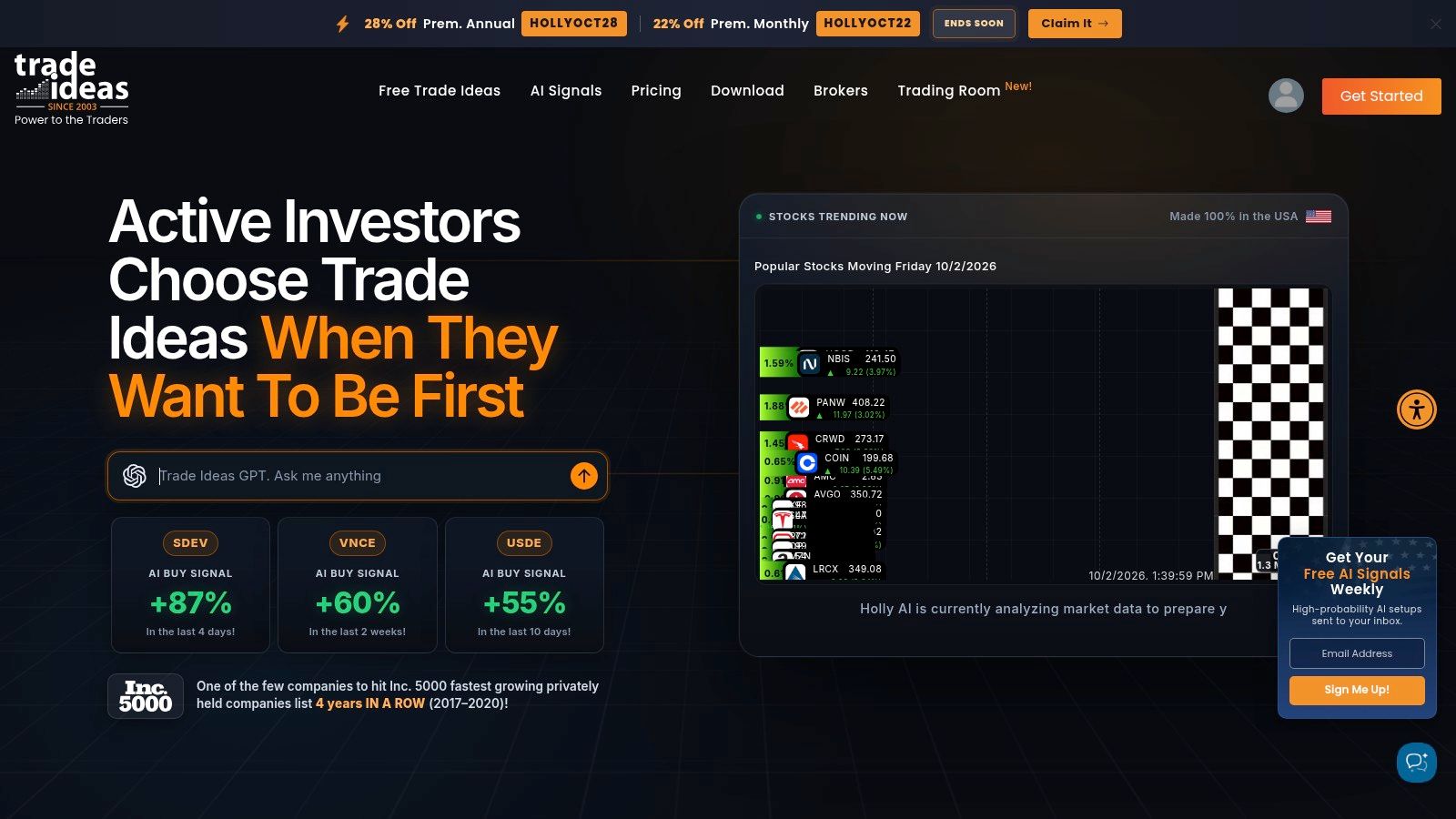
Trade Ideas monitors live technical conditions and screening events, not delayed public disclosures. Its Holly AI engine generates strategy-based alerts, while customizable scans evaluate price action, liquidity, and other market characteristics. The result is a workspace for traders who want to find developing setups, test them, and act within the same workflow.
Control is the platform's main strength. Users can combine filters, define market conditions, and attach sound or visual notifications to specific scans. Holly supplies prebuilt strategy ideas, backtesting, and risk controls, helping turn a broad trading hypothesis into a rule that can be examined against historical data.
The platform also supports paper trading and in-app execution through Brokerage Plus. That combination suits traders who want to rehearse entries, exits, and position management instead of collecting alerts without a record of what followed. Education resources, a knowledge base, and a live trading room provide support, although the number of configuration options creates a meaningful learning curve.
Where it fits
Trade Ideas fits a real-time technical workflow. It can flag unusual market behavior, a developing price condition, or a screening event that warrants review. It does not establish the legislative context behind a sector move, verify an insider transaction, or replace the primary filing supporting a Form 4 signal.
The premium tiers may be difficult to justify for casual traders, especially when advanced scanning and related functions are part of the paid experience. Poorly defined scans can also produce a large queue of technically valid alerts with little practical value. The cost is therefore tied to usage: traders who run scans throughout the session may gain more from the workflow than users who check alerts occasionally.
Use Trade Ideas when your process starts with real-time market behavior, strategy testing, and configurable scans. For research centered on congressional and insider disclosures, TradeLikeInsiders congressional and insider disclosure research provides a different starting point.
Best for: active day traders, systematic traders, and users who want real-time scans with backtesting rather than filing-based research.
3. Benzinga Pro
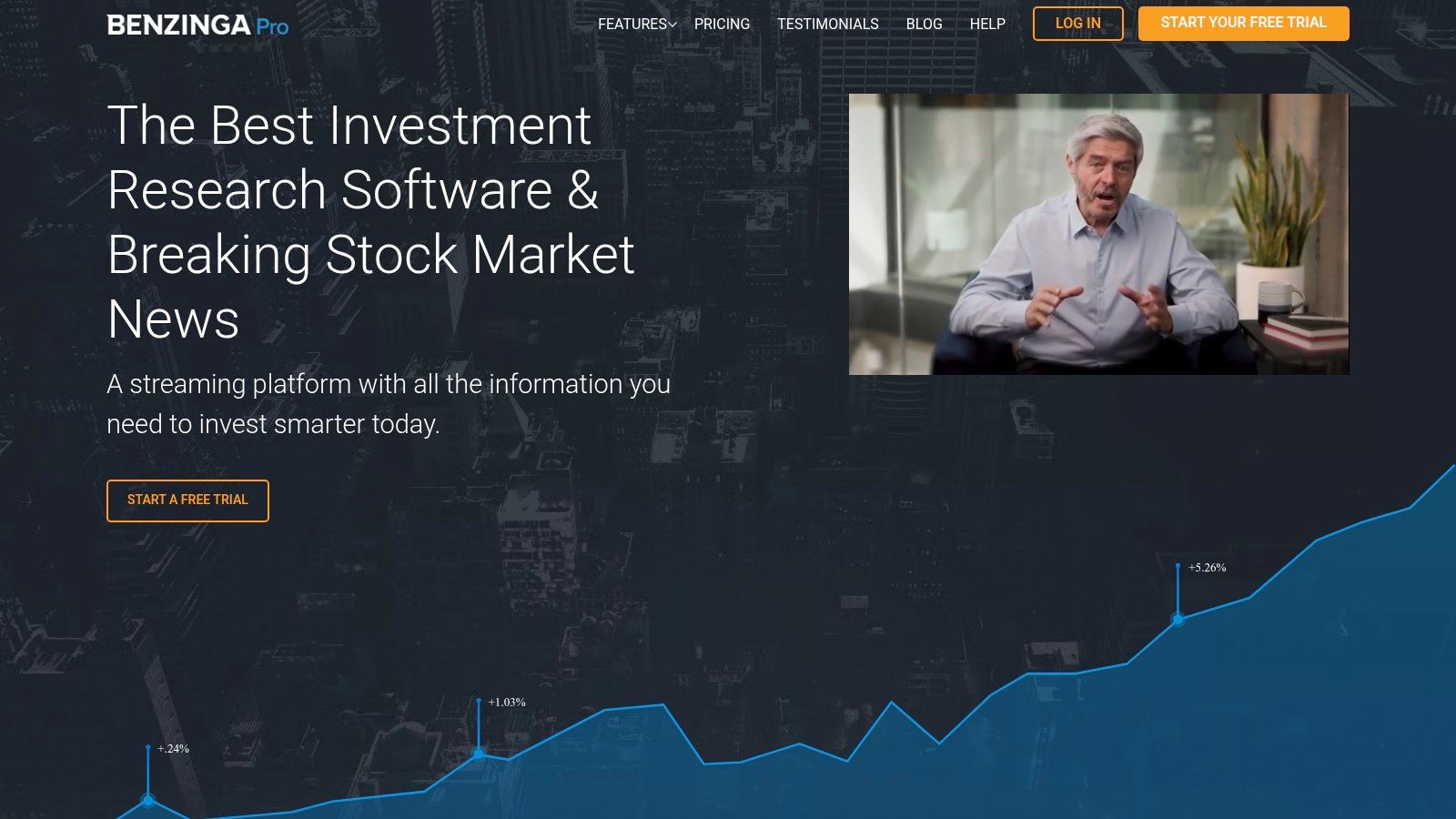
Benzinga Pro monitors news catalysts as they reach the market. Its live audio Squawk, customizable newsfeed, rapid Signals, calendars, watchlist alerts, and real-time quotes help traders turn breaking headlines into a research queue. The alert is an input for investigation, not an instruction to trade.
The audio workflow reduces the need to watch several screens continuously. A trader can listen for market-moving headlines while tracking a defined watchlist. Higher tiers add filters for factors such as price, volume, and float, which can make a fast-moving feed easier to control.
Catalyst speed has a cost
The platform answers, “What changed in the market right now?” Its primary signal is a news event, not a delayed congressional disclosure or a stale 13F institutional filing. Insider activity modules add context, but important transactions still require verification through SEC EDGAR or the relevant government record. This distinction matters because a filing published after the transaction is not a real-time signal.
Benzinga Pro's full feature set requires a mid or high tier for advanced filters, Signals, and richer data. New users may also create too much noise by enabling every feed at once. A headline deserves follow-up on its effect on earnings, regulation, demand, costs, or short-term attention before it affects a decision.
A focused watchlist and a few catalyst filters usually produce a clearer workflow than every available alert. For a process combining public-policy disclosures, insider activity, and news catalysts, see our guide to combining policy and insider signals with news catalysts.
Best for: catalyst-driven traders, headline-sensitive active traders, and users who prefer audio alerts to constant screen watching.
4. TrendSpider
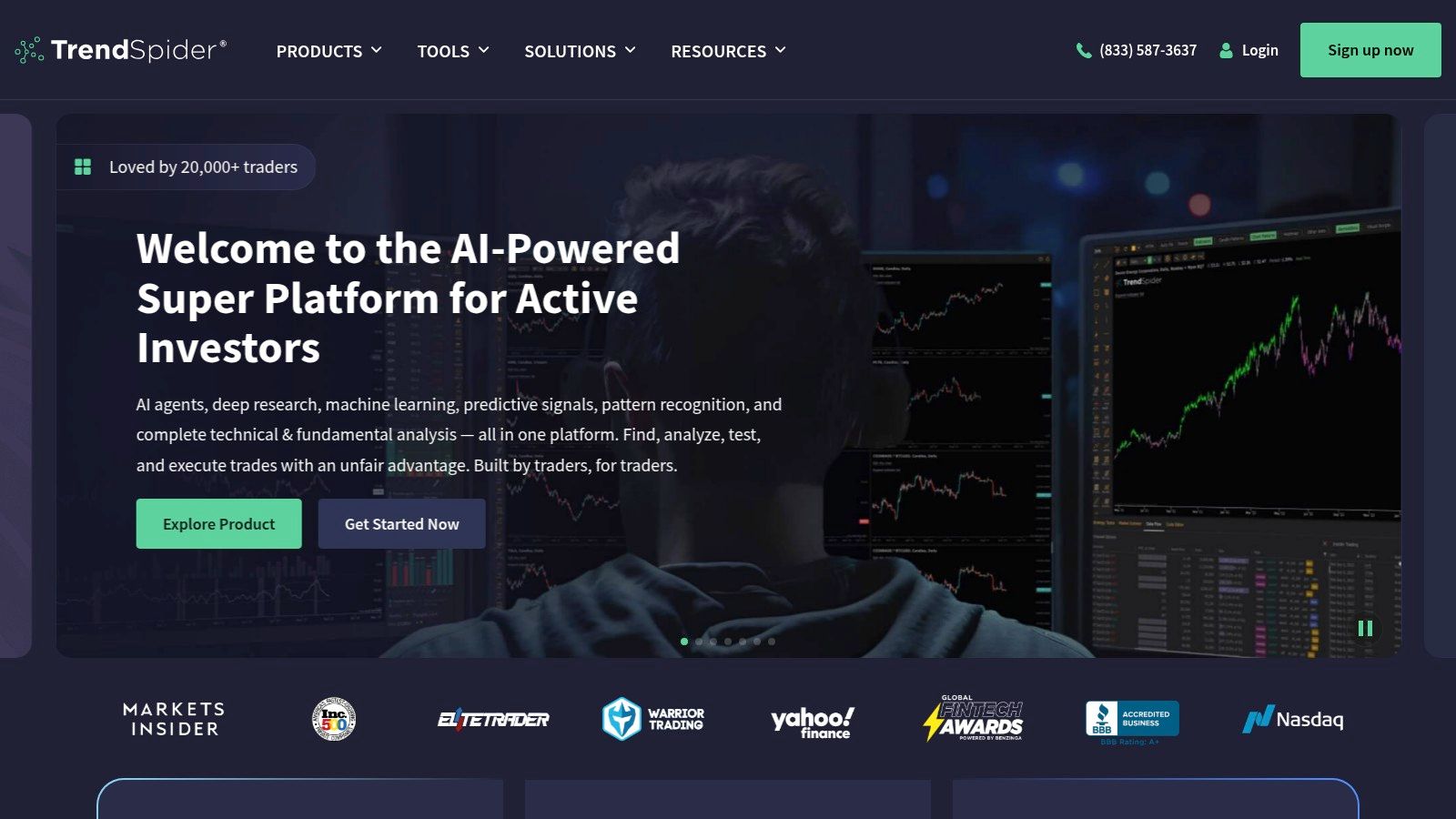
TrendSpider treats alerts as visual rules rather than simple price notifications. Traders can place conditions on trendlines, indicators, and chart patterns, then combine multiple factors into a single alert. That makes it useful when the intended signal is something like a breakout confirmed by a moving condition, rather than a stock merely crossing a price level.
Its automated technical tools include anchored indicators, auto-trendlines, Fibonacci analysis, and Raindrop charts. Sidekick adds AI assistance for chart analysis and strategy development, while forward and backtesting help users examine whether their alert logic behaves consistently across historical data.
Built for repeatable technical logic
TrendSpider also supports webhook automation and broker connections. That creates a path from chart condition to a broader trade-from-chart workflow, though automation increases the importance of testing and monitoring. A poorly designed rule can fire consistently and still produce poor research inputs.
The platform may be excessive for someone who only needs a basic price alert. Some real-time data and futures feeds can also require exchange or data add-ons, so the displayed platform capability isn't necessarily the complete cost of a particular workflow.
A technical alert identifies a condition. It doesn't explain why the condition exists or whether the underlying event will persist.
Use TrendSpider for rules-based technical research, not as a replacement for House disclosures, SEC EDGAR, or 13F filings. Traders building a broader evidence workflow can also explore the TradeLikeInsiders research blog.
Best for: technical traders, systematic researchers, and users who want to test multi-condition chart logic before connecting automation.
5. TradingView
TradingView is the broadest general-purpose alert platform in this group. Its server-side alerts can monitor prices, indicators, strategies, and drawings, so notifications continue without requiring the chart to remain open. Cloud synchronization supports phone, desktop, and browser workflows, while webhooks extend alerts into external tools.
The key differentiator is Pine Script. A user can turn a personal strategy into a custom alert rather than relying only on built-in indicators. Multi-condition alerts and tier-based alert allowances make TradingView suitable for workflows that start with basic needs and grow more complex.
Scalable, but not frictionless
TradingView also combines screeners, news flow, portfolios, and exchange data. That breadth is useful, but it can make the product harder to price and configure. Some U.S. real-time data requires paid exchange add-ons, and different plans carry different alert and data options.
TradingView answers the technical question well: “Has my defined market condition occurred?” It doesn't answer whether a political disclosure is delayed, whether an insider transaction reflects a meaningful change in conviction, or whether a 13F position remains current.
For traders who want persistent, cross-device alerts and the option to code their own logic, TradingView is a strong fit. It works best when the user defines the signal before creating the notification, instead of using alerts as a substitute for a strategy.
Best for: technical traders, Pine Script users, portfolio managers, and anyone who needs scalable cloud-based alerts.
6. FINVIZ Elite
FINVIZ Elite is a lightweight screener-to-alert workflow. It combines real-time quotes and charts with an advanced screener, then lets users create alerts for price changes, screener matches, portfolio events, and calendar events. The browser-based setup is quick to maintain and doesn't require the extensive configuration associated with more automation-heavy platforms.
Its central advantage is speed of research. A trader can filter a universe, inspect the resulting charts, and create alerts without moving between several tools. Unlimited email and push alerts support users who want broad monitoring, while data export and an ad-free interface make the platform practical for recurring screening work.
Simple workflow, limited depth
FINVIZ Elite has fewer AI and strategy-development tools than Trade Ideas or TrendSpider. It also isn't a substitute for a primary disclosure source. A screener can flag an unusual move or an event, but it won't establish what a lawmaker bought, what an executive filed on Form 4, or when an institution last reported its holdings.
Some users report email alert latency under heavy load, so traders who depend on exact delivery should compare email with push behavior and verify important events independently. The platform is most useful when an alert starts a review process rather than ends it.
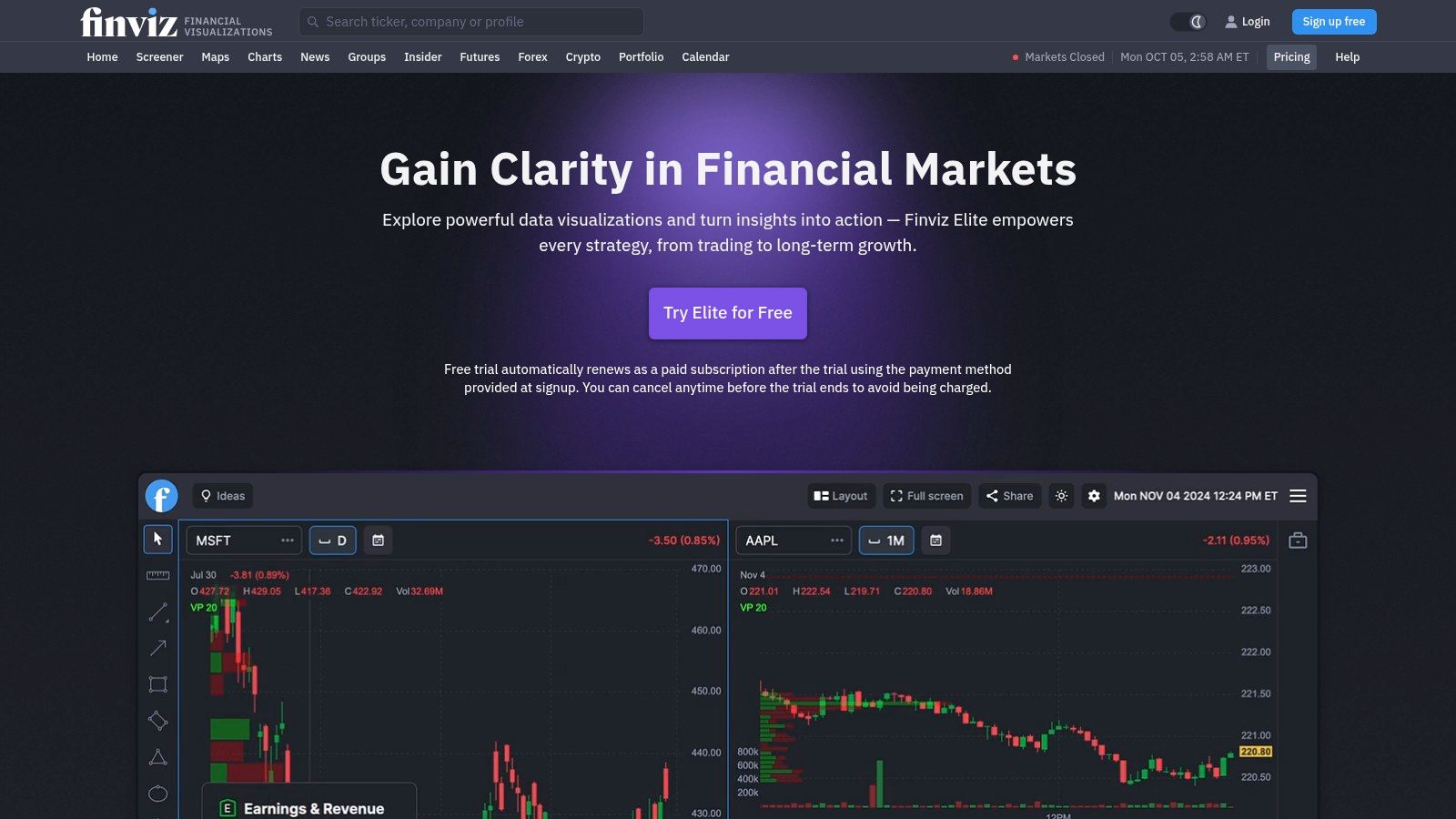
Choose FINVIZ Elite if you want a fast, browser-based screener with a relatively low-maintenance alert workflow. It suits traders who value breadth and simplicity over AI-generated interpretation or advanced strategy automation.
Best for: screen-first traders, swing traders, and investors who want efficient event and price monitoring.
7. MarketSurge
MarketSurge, formerly MarketSmith by Investor's Business Daily, is built around growth-investing research and IBD methodologies. Its alerts focus on chart patterns, buy points, trendlines, pivots, and visual price zones rather than congressional disclosures, insider filings, or institutional reporting.
The platform's proprietary IBD ratings, screens, Growth 250 list, and Stock Guides give users a defined research language. Mobile and email alerts can notify traders when a chart condition aligns with the platform's growth framework. That makes MarketSurge more opinionated than a general charting service.
A methodology-specific choice
The advantage is clarity. A growth trader who already follows CAN SLIM-style research can receive alerts that fit an established process instead of assembling indicators from scratch. Visual buy, profit-taking, and cut-loss zones can also make a chart easier to interpret.
The limitation is flexibility. MarketSurge is less suitable for a purely quantitative workflow, a policy-first workflow, or a trader who wants to build arbitrary alert conditions. Public web pricing has also been less explicit, and plans have varied during the MarketSmith to MarketSurge transition, so prospective users should verify current access before subscribing.
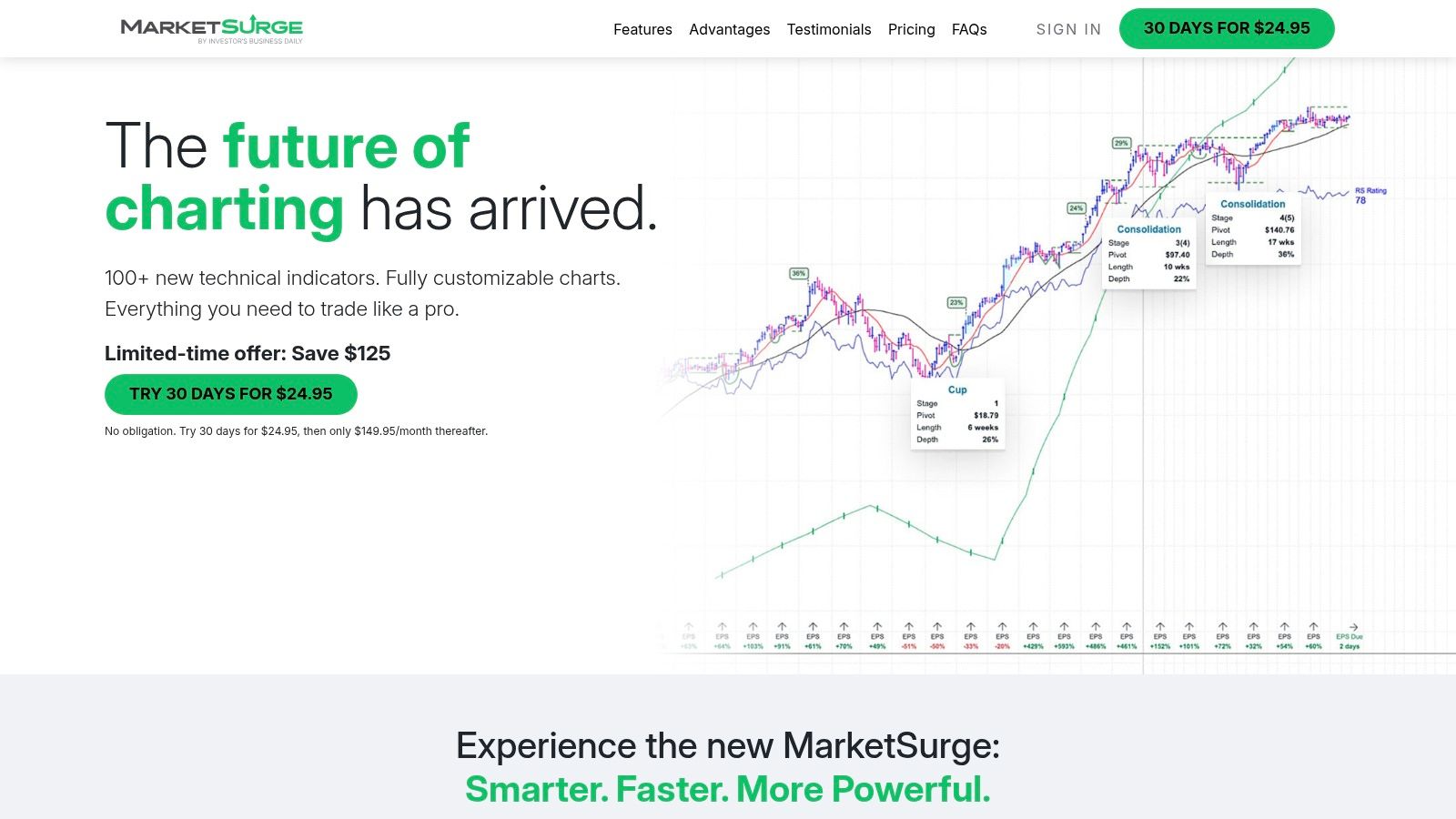
MarketSurge is best viewed as a specialized growth research environment. Its alert doesn't prove that a company will outperform. It tells you that a chart and rating framework has produced a condition worth reviewing.
Best for: CAN SLIM-style growth traders and momentum investors who want IBD-aligned research.
Top 7 Stock Alert Services Comparison
| Solution | Implementation Complexity 🔄 | Resource Requirements ⚡ | Expected Outcomes ⭐ | Ideal Use Cases 📊 | Key Advantages 💡 |
|---|---|---|---|---|---|
| HeliosNet LLC (TradeLikeInsiders) | 🔄 Moderate, configure watchlists, AI modes, PWA setup | ⚡ Low–Medium, browser/PWA; paid tiers for realtime features | ⭐ Evidence‑weighted policy & insider signals; paper‑trade performance | 📊 Policy‑driven crypto retail, quant/event traders, analysts, beginners | 💡 Timestamped sources, AI summaries, paper‑trading, affordable tiers |
| Trade Ideas | 🔄 High, deep scan/strategy creation required | ⚡ Medium–High, desktop app; premium subscription cost | ⭐ Fast, strategy‑driven signals with backtests & risk controls | 📊 Active intraday traders, algo/strategy developers | 💡 "Holly" AI strategies, extensive real‑time scanning, backtesting |
| Benzinga Pro | 🔄 Low–Medium, set up custom feeds and alerts | ⚡ Medium, continuous news stream; mid/high tiers for full data | ⭐ Rapid news/squawk alerts for catalyst trades | 📊 News/catalyst traders and those who prefer audio squawk | 💡 Live Squawk, fast headlines, customizable feeds |
| TrendSpider | 🔄 High, rules‑based visual alerts and automation setup | ⚡ Medium, web app; some exchange/add‑on fees possible | ⭐ Granular technical alerts and validated strategy signals | 📊 Systematic technical traders, automation/workflow users | 💡 Multi‑factor visual alerts, backtesting, webhook/broker automation |
| TradingView | 🔄 Medium, basic alerts easy, Pine for advanced users | ⚡ Medium, cloud/phone; exchange add‑ons for US realtime data | ⭐ Scalable, reliable server‑side alerts and scripting support | 📊 Traders needing persistent cross‑device alerts and custom scripts | 💡 Server‑side alerts, Pine Script, webhooks, high alert quotas |
| FINVIZ Elite | 🔄 Low, fast browser‑based setup and one‑click alerts | ⚡ Low, lightweight browser use; cost‑effective tier | ⭐ Very fast screener→alert workflow with unlimited alerts | 📊 Traders wanting quick screeners and lightweight alerts | 💡 Unlimited alerts, ad‑free UI, data export/workflow features |
| MarketSurge (MarketSmith) | 🔄 Low–Medium, configured for IBD/CAN SLIM workflows | ⚡ Medium, subscription with mobile apps | ⭐ Clear buy/pivot alerts aligned to growth/momentum strategies | 📊 Growth traders following IBD methodologies | 💡 Proprietary IBD ratings, visual buy zones, mobile alerts |
Choose by Signal, Then Verify the Source
Choose the service by the question you need answered. TradeLikeInsiders fits congressional disclosures, Form 4 activity, whale moves, policy context, citations, and paper trading. Trade Ideas fits real-time scanning and strategy testing. Benzinga Pro fits rapid news catalysts and audio-driven monitoring.
For technical workflows, TrendSpider is the more rules-based choice, while TradingView offers scalable custom alerts and Pine Script flexibility. FINVIZ Elite suits a lightweight screener-driven process. MarketSurge is the specialized option for IBD-style growth research.
The underlying signal still matters more than the notification channel. Under the STOCK Act, covered lawmakers and certain congressional employees must report a covered transaction no later than 45 days after the transaction, as explained in this Congressional Research Service overview of STOCK Act disclosures. Congressional filings can show what a politician bought or sold, but the disclosure date isn't the transaction date, and reported amounts appear in ranges.
Corporate insider filings move on a different timetable. The SEC says Form 4 must generally be filed electronically through EDGAR within two business days after the transaction date, making it a faster public disclosure window than congressional reporting, but still a disclosure rather than a live feed. Review the SEC Form 3, 4, and 5 guide before treating an insider alert as current market information.
Institutional “whale” activity is usually reported through Form 13F. Managers with at least $100 million in Section 13(f) securities are subject to the filing framework, and reports can arrive as much as 45 days after the relevant reporting period, according to the SEC's Form 13F FAQ. That lag makes 13F useful for studying institutional positioning, not copying a presumed current portfolio.
Use a consistent verification workflow:
- Check the timestamp: Separate the transaction date, filing date, and alert delivery time.
- Open the primary record: Review the House or Senate disclosure, SEC EDGAR Form 4, or 13F filing where relevant.
- Classify the signal: Decide whether it is delayed disclosure, current news, technical condition, or screening event.
- Map policy to a sector: Legislation and regulation can affect groups of companies, but they don't automatically produce the same outcome for every stock.
- Practice before risking capital: Test the alert process in a paper account and journal why the signal mattered, what invalidated it, and how the market responded.
TradeLikeInsiders can bring congressional, insider, whale, and policy signals into one research workflow, but consolidation isn't a guaranteed edge. The best stock alert service is the one that gives you the right evidence, at the right speed, in a format you can verify and use consistently.
This content is for informational purposes only and is not financial advice. Do your own research.
HeliosNet LLC offers TradeLikeInsiders as a research and alerting platform for congressional disclosures, SEC insider filings, whale activity, policy updates, and paper-trading practice. If you want to compare those delayed public signals with your own verification process, visit TradeLikeInsiders.