
“The public trades on news, insiders trade on information” is the right default. The wrong default is treating every insider headline like a live signal. Congressional disclosures can lag by up to 45 days under the STOCK Act, and the filing often shows a range, not a precise amount, so you're looking at a historical report, not a clean entry point. Corporate insider activity is faster through SEC Form 4, and 13F filings show whale and institutional positioning, but those are still snapshots, not a live tape.
A good insider trading tracker doesn't just dump filings on a screen. It tells you what signal you're looking at, how stale it is, and where it breaks. Some tools are better for quick congressional lookups. Others are built for Form 4 screening, cluster buys, 13F context, or policy-linked research. A few try to put all of it in one place, which is useful if you want one workflow instead of five tabs.
This list is sorted by the signal, not the brand. That matters more than generally admitted. If you want Congress, use a Congress tool. If you want officers and directors, use Form 4. If you want institutional accumulation, use 13F. If you want the policy angle too, track that separately or use a platform that bakes it in.
Table of Contents
- 1. Capitol Trades
- 2. OpenInsider
- 3. Quiver Quantitative
- 4. Finviz Insider Trading
- 5. MarketBeat Insider Trades
- 6. TipRanks Insider Activity
- 7. Fintel
- 8. GuruFocus Insider Trades
- 9. Unusual Whales
- 10. HeliosNet LLC
- Top 10 Insider Trading Trackers Compared
- Match the Tracker to the Question You Are Asking
1. Capitol Trades
Capitol Trades is the cleanest free starting point for Congressional STOCK Act disclosures. It's built for quick lookup by member, ticker, or date, and that's exactly how users rely on congressional data in practice. The value is speed and simplicity, not fancy modeling.
The weakness is just as obvious. It doesn't cover corporate SEC Form 4 activity, so you can't use it as a full insider desk. That matters because Congress disclosures are delayed and meant to be read as historical records, not immediate trade alerts. The STOCK Act framework allows reporting within 30 days after notice and no later than 45 days after the transaction itself, and a large dataset found the median disclosure reached the public 25 days after execution, with 68% public by day 30 and 1,931 disclosures, or 8.8%, after the 45-day deadline (congressional disclosure timing).
Practical rule: use congressional trackers to study policy exposure and historical behavior, not to chase a same-day trade.
Capitol Trades is best when you want to answer a narrow question fast, like which lawmakers were active in a name over a specific period. If you want a broader workflow with Congress, insiders, and market context in one place, TradeLikeInsiders is the better fit.
2. OpenInsider
OpenInsider is a plain, fast tool for SEC Form 4 research. It does one job well, showing corporate insider filings with little clutter. If you want to see who bought, who sold, and the filing details, it gets you there without wasting time.
Its strength is the sorting. Cluster buys and top officer purchases are easy to scan, which matters because single insider trades can be noisy. Academic work supports that caution. In the developed markets covered by the study, aggregate insider buying was associated with roughly a 2% increase in subsequent index returns, and another specification found future excess-return predictability of up to 1.7% over later periods (cross-market insider research).
The trade-off is obvious. The interface is bare, and the workflow is weak on modern alerting. There is no native alert layer, and exports or API use take more effort than they should. That makes it a research screen, not a command center.
Where it breaks down
- No native alerts: You still have to check it yourself.
- Thin interface: Fine for power users, rough for everyone else.
- Limited automation: Scheduled monitoring needs extra tooling.
OpenInsider is the right pick when the filing matters more than the presentation. Use it to verify the filing, inspect transaction codes, and confirm whether buying is clustered or just one-off noise. For a workflow that layers alerts on top of these filings, see this walkthrough on TradeLikeInsiders.
3. Quiver Quantitative
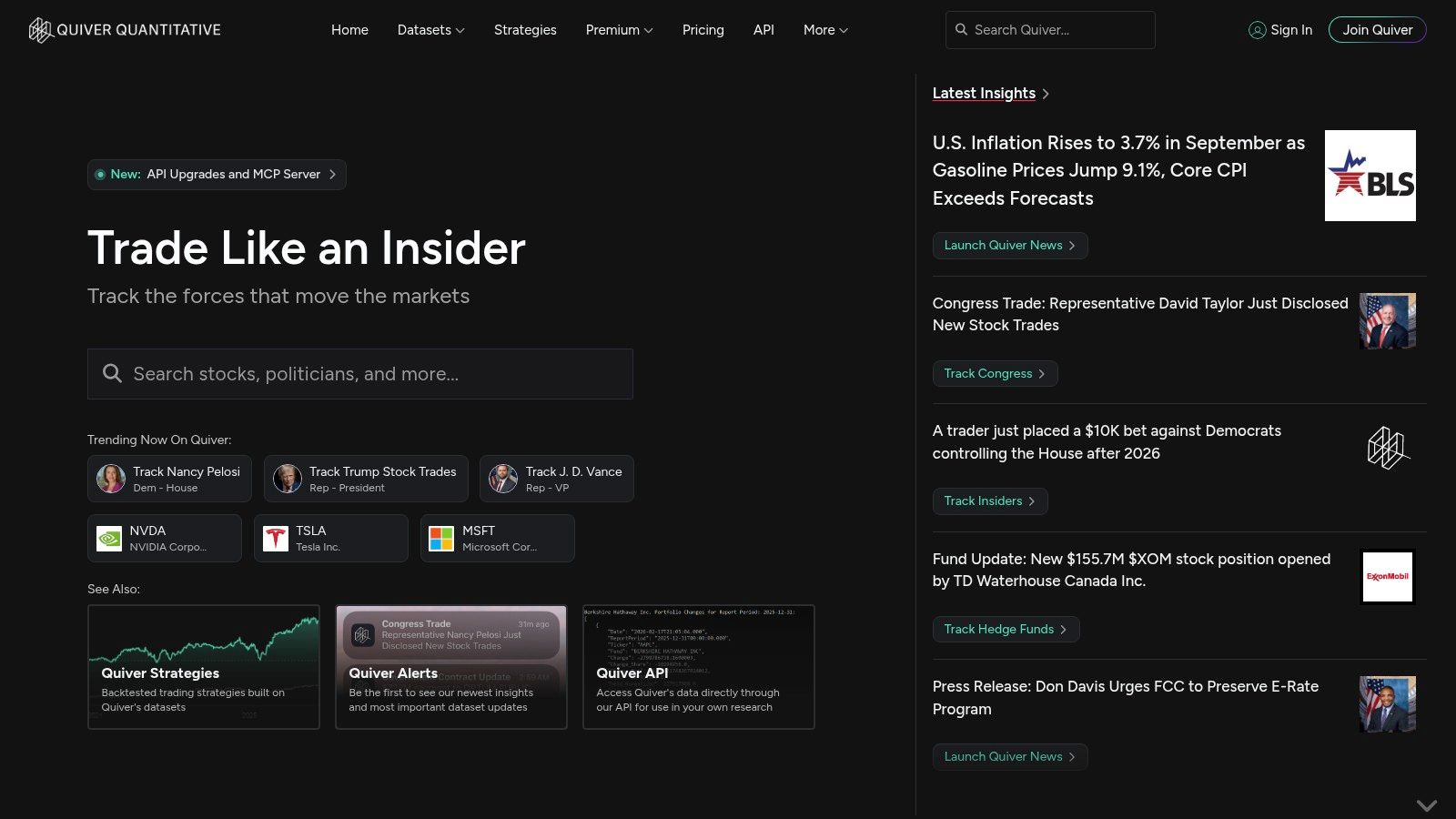
Quiver Quantitative sits between a raw filing viewer and a research platform. It covers corporate insider filings and congressional trades, so you can compare policy-linked activity with ordinary insider behavior in one place. The interface is clean, and the dashboards are easier to read than most free tools.
The timing gap is the point. Congressional disclosures can show up weeks after the trade, while Form 4 filings are generally due before the end of the second business day after the transaction under SEC rules (SEC Form 4 instructions). Quiver's dual-lane view makes that gap obvious. A congressional row from last month can sit next to a Form 4 from this week, which helps you keep delayed political disclosures separate from faster corporate filings.
Quiver's workflow is strong. It offers dashboards, backtesting, alerts, and API access, so you can use it for a quick screen or for a more serious research project. The trade-off is that deeper screening sits behind premium tiers, and the data focus stays U.S.-centric.
Best use case
Use Quiver Quantitative when you want to test whether a congressional disclosure, a corporate insider move, or both line up with a broader market theme. It fits traders who want policy-linked signals in one place and do not want to build a custom pipeline from scratch.
4. Finviz Insider Trading
Finviz earns its keep as a broad market tool that happens to show insider activity. That matters if you want to move from an insider blip to the stock chart, a screener, or a company snapshot without leaving the site.
The free view is good for checking a name. The paid tier is where the workflow gets more useful, with faster data, alerts, and broader screening across a watchlist. That still leaves Finviz lighter than a specialist tracker, so use it for speed, not for the deepest read on insider behavior.
The filter setup is the main feature. You can sort by insider-related fields while keeping the rest of your market screen in place, which is handy when you are already tracking a basket of names and want to catch repeated buying without building a separate workflow. If you need a clearer guide to how to read those filings, the TradeLikeInsiders blog is a better place to start.
Open-market buying usually carries more signal than routine sales. Sales can come from taxes, vesting, diversification, or a preset plan.
Finviz works best when insider activity is just one input. It gives you a fast pass through the data, then lets you judge the trade in context.
5. MarketBeat Insider Trades
MarketBeat makes insider tracking feel approachable. The layout is beginner-friendly, the curated buying and selling lists are easy to scan, and the screener is straightforward enough that you don't need a manual to use it. For a retail trader who wants a low-friction view of insider activity, that matters.
The free tier gives you enough to start. If you want CSV exports, alerts, and more advanced filtering, the All-Access plan is where the utility sits. That's the trade-off with most consumer-facing tools, the basics are free, the workflow features cost money.
MarketBeat is strongest when you want speed plus a little editorial shaping. Curated lists can save time, but they can also make you lazy if you stop there. The smart move is to use the screener to find names, then read the filing or compare the trade against the company's broader setup.
Good fit, bad fit
- Good fit: quick screening, beginner-friendly browsing, simple watchlist work.
- Bad fit: deep quant work, heavy custom filtering, or serious backtesting.
- Middle ground: users who want a cleaner interface than a raw filing site.
If you want a tool that feels like a newsletter plus a screener, MarketBeat is decent. If you want a deeper policy-and-insider workflow, it's not enough on its own.
6. TipRanks Insider Activity
TipRanks is built for people who want insider activity alongside analyst ratings and hedge-fund data. That combo is useful because most traders don't make decisions from one signal alone. They want to know whether an insider buy lines up with sentiment, coverage, and broader market attention.
The app alerts are one of the stronger parts of the product. If you track a company or insider name, the mobile workflow makes it easier to stay on top of new filings without checking a browser all day. That's useful for active traders, even if the deeper insider tools sit behind paid tiers.
TipRanks is not trying to be a pure filing terminal. It's trying to wrap insider activity into a broader sentiment framework, and that can help or hurt depending on your style. If you like one dashboard that blends signals, it's convenient. If you want raw transaction detail first, it can feel too curated.
Best use case
Use TipRanks when you want an insider move to sit next to analyst sentiment and hedge-fund data, not on its own. That's a clean way to separate a meaningful transaction from noise without overreacting to a single filing.
7. Fintel
Fintel is built for traders who want insider activity in context. It doesn't stop at buys and sells. It puts insider tracking next to institutional ownership, short interest, options flow, and other market-flow data, which makes it easier to ask better questions about why a stock is moving.
That broader context matters because a single insider purchase is weaker than repeated buying by multiple insiders. It also matters because not every sale is bearish, and the same transaction can mean something different depending on role, plan status, and timing. A useful tracker should distinguish open-market buys from option exercises, automatic sales, tax withholding, and planned Rule 10b5-1 activity. That interpretation layer is the true edge, not the raw feed.
Fintel's platform breadth is both the attraction and the annoyance. It gives you more ways to cross-check a signal, but it also creates a learning curve. The pricing page doesn't make the bronze, silver, and gold structure especially transparent, so casual users may bounce before they get to the good stuff.
Useful filter: don't treat every insider print as equal. Clustered buys, repeated buying, and meaningful ownership changes deserve more attention than routine transactions.
Fintel is strongest for users who already think in systems. It gives you enough data to build a cleaner read on insider activity, whale positioning, and market structure.
8. GuruFocus Insider Trades
GuruFocus is for investors who want insider activity wrapped in fundamentals. It combines insider lists with valuation tools, screens, backtests, and long-term research features, so it feels more like an investor workstation than a quick-trade feed. That's a plus if you care about what a company is worth as much as who just bought shares.
The platform's real value is context. An insider purchase means more if the stock is already cheap on your framework, or if multiple insiders are buying into a business that still screens well on fundamentals. That doesn't make the trade automatically bullish, but it makes the signal easier to hold onto when the news flow gets noisy.
GuruFocus is less attractive if you only want fast alerts. Pricing runs higher than many retail tools, and some of the models are proprietary, so you're taking the platform's framing along with the data. That's not a bug, but you should know what you're paying for.
Where it fits
Use GuruFocus if your process starts with valuation and ends with insider confirmation. It's a long-horizon tool, not a sprint tool.
9. Unusual Whales
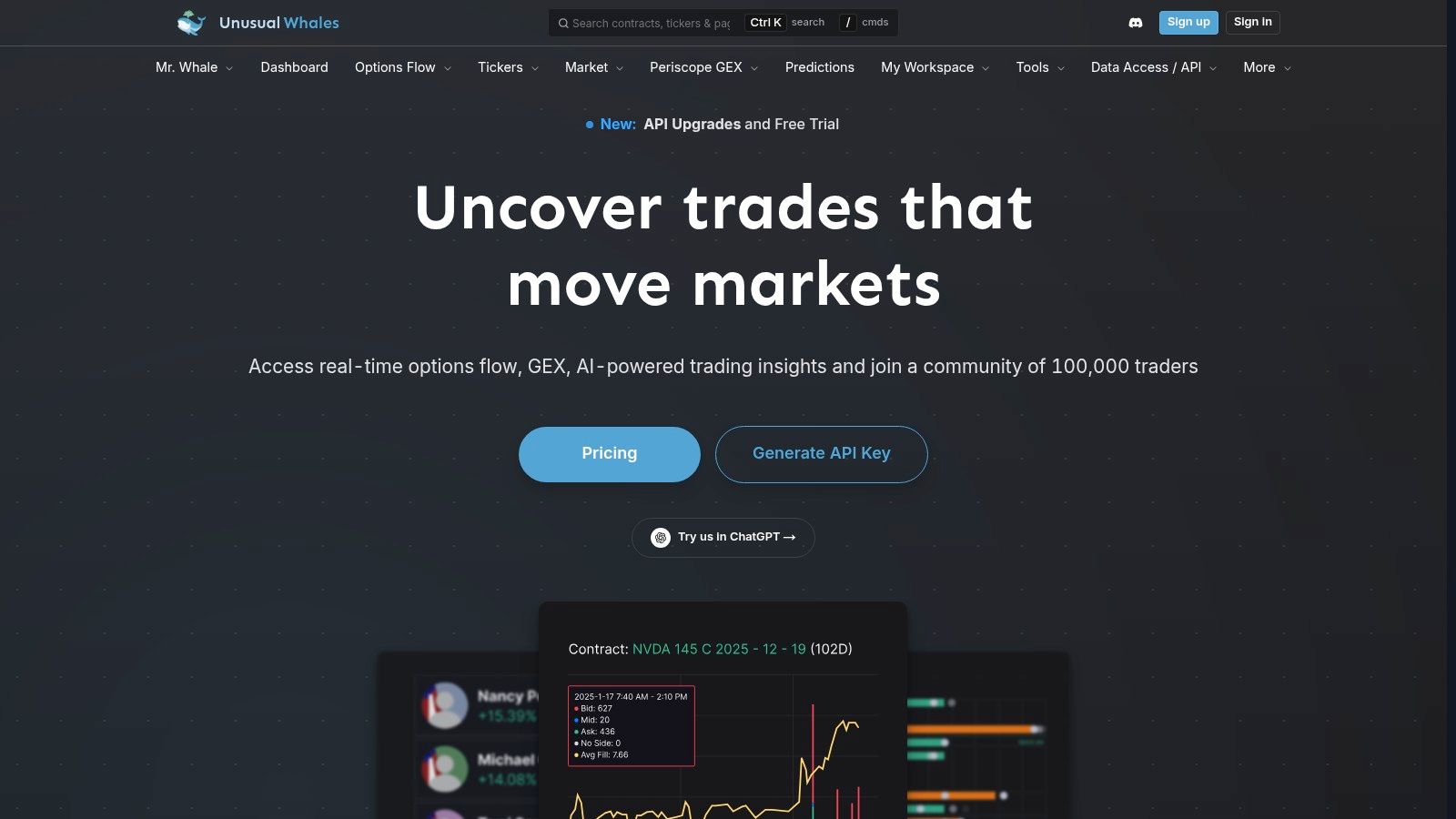
Unusual Whales is where insider tracking meets the rest of the flow tape. It bundles congressional trades, corporate insider activity, options flow, dark pools, and GEX tools, so traders can keep policy, filings, and positioning in one place. If you already think in event-driven setups, that mix is attractive.
The upside is obvious. You can watch for a congressional disclosure, check for corporate insider confirmation, and compare it against options activity without switching platforms. The downside is that the options layer can be overkill if all you really want is a simple insider feed.
Unusual Whales is also a better fit for users who want active alerts and a more configurable workspace. That makes it useful for traders who react to clusters and catalysts, not just long-term holders reading filings on weekends.
Best use case
Use Unusual Whales when your question is broader than “who bought?” It's stronger when you want to know whether insider activity is lining up with flow, positioning, and policy timing.
10. HeliosNet LLC
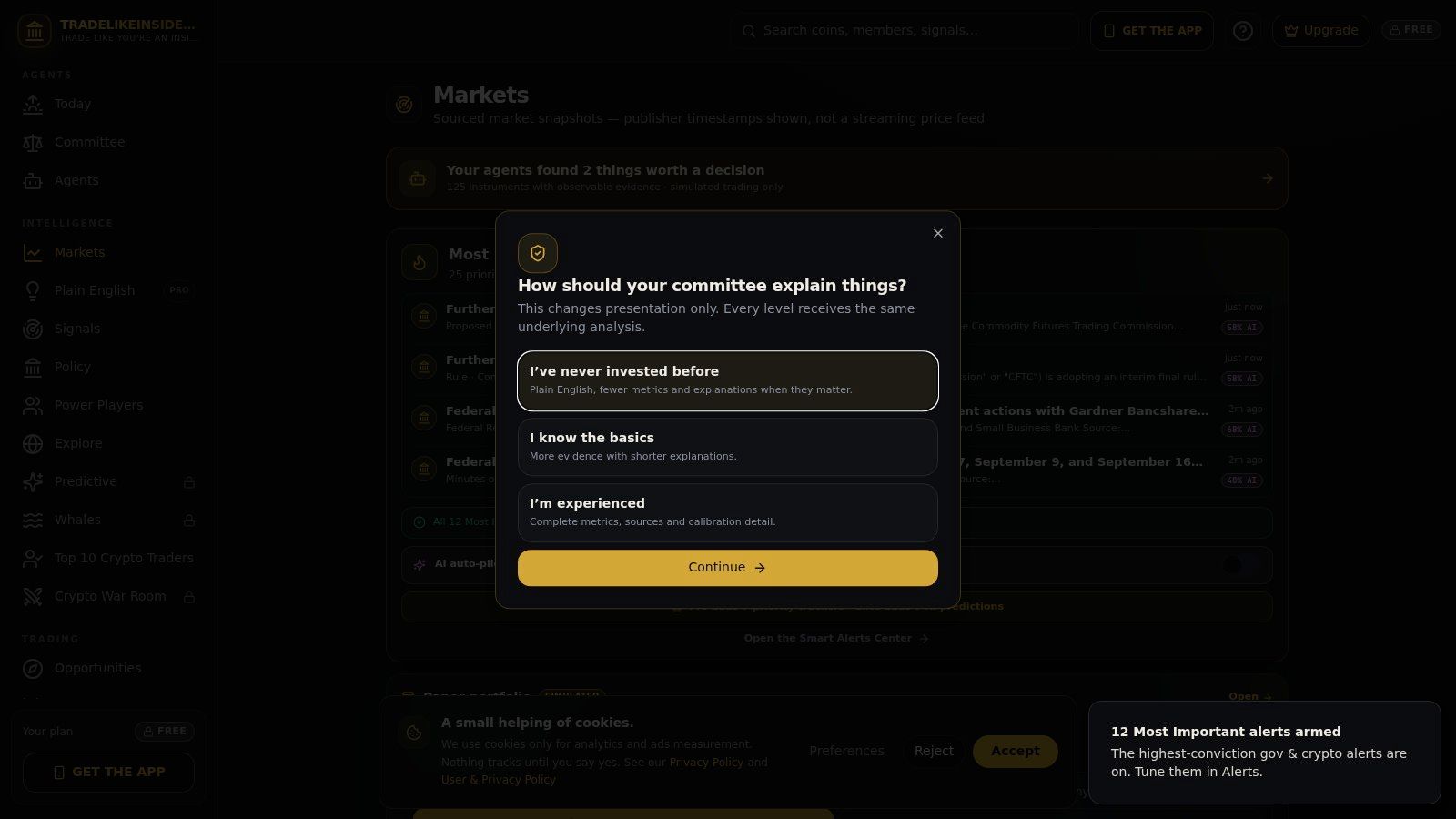
TradeLikeInsiders.com is the most complete one-stop option here if you care about congressional disclosures, SEC Form 4 filings, whale activity, and policy signals in a single workflow. It's built around a Live Signal Engine that scans those feeds together, then adds timestamped sources and plain-English summaries so you can see what was published and when.
The advantage is interpretation. Congressional filings are delayed by design, SEC Form 4 activity is faster but still not instant, and 13F snapshots are even more lagged. TradeLikeInsiders tries to separate those time horizons instead of pretending they're all the same signal. That's the right way to handle public data, because disclosure date and execution date are not interchangeable.
It also helps that the platform offers AI summaries, cited Q&A, simulated trading, and journaling. Those features matter because the hardest part of insider tracking is not finding a filing, it's deciding whether the filing is worth your attention. The paid plans are clearly stated at Pro for $9.99/month and Elite for $19.99/month, with a free entry point available.
Why it stands out
- Cross-signal coverage: Congress, corporate insiders, whale moves, and policy context.
- Better interpretation: timestamped sources and confidence-oriented alert organization.
- Practice layer: simulated portfolio and journaling for reviewing decisions.
- Cleaner workflow: fewer tabs, less guessing about what you're looking at.
Use it when you want the research stack, not just a feed. For a lot of traders, that's the difference between watching alerts and understanding them.
Top 10 Insider Trading Trackers Compared
| Platform | Core coverage & tools | Experience / quality | ✨ Standout value | 👥 Best for | 💰 Price / value |
|---|---|---|---|---|---|
| Capitol Trades | Congressional disclosures; searchable feed and archive | Simple, ad-light; historical lookups | Fast member, ticker, and date searches | 👥 Users researching congressional trades | 💰 Free |
| OpenInsider | SEC Form 4 feed, filters, cluster-buy lists | Detailed source links; bare-bones interface | Quick access to insider-buying patterns | 👥 Users screening U.S. corporate insider filings | 💰 Free |
| Quiver Quantitative | Congressional and insider trades, screeners, backtests, API | Modern interface; deeper tools on premium plans | Policy-linked signals and developer API | 👥 Investors and data-oriented researchers | 💰 Free tier; premium features |
| Finviz Insider Trading | Form 4 feed, top-insider lists, stock research | Quick overview; free pages may be delayed or limited | Insider data within broader stock screeners | 👥 Stock researchers already using Finviz | 💰 Free basics; Elite adds tools and alerts |
| MarketBeat Insider Trades | Insider screener, curated lists, newsletter | Beginner-friendly, clear presentation | All-Access adds alerts and CSV exports | 👥 Beginners seeking guided research | 💰 Free tier; paid All-Access |
| TipRanks Insider Activity | Insider trades, analyst ratings, hedge-fund activity | Mobile alerts; detailed features vary by plan | Combines insider signals with sentiment data | 👥 Investors comparing multiple market signals | 💰 Free tier; paid features and variable pricing |
| Fintel | Insider activity, ownership, options flow, short interest | Broad, data-rich toolkit; learning curve | Contextualizes insider trades with market-flow data | 👥 Experienced, multi-signal researchers | 💰 Free features; tiered paid plans |
| GuruFocus Insider Trades | Insider data, fundamentals, valuation, backtests | Extensive historical tools; proprietary models | Adds valuation context to insider activity | 👥 Long-term, fundamentals-focused investors | 💰 Paid plans; relatively high-priced |
| Unusual Whales | Congress and insider trades, options flow, dark pools | Advanced filters; higher-tier tools available | Combines trade signals with options and whale data | 👥 Active traders seeking flow analytics | 💰 Tiered pricing |
| 🏆 HeliosNet LLC (TradeLikeInsiders.com), Recommended | Congress, SEC Form 4, whale activity, agency updates, crypto flows, alerts | AI summaries and cited Q&A; timestamped sources; paper trading | ✨ Policy-to-market research, adjustable explanations, and simulated trading with journaling | 👥 Beginners through experienced signal researchers | 💰 Free plan; Pro $9.99/month; Elite $19.99/month |
Match the Tracker to the Question You Are Asking
Start with the question, not the tool. If you want congressional STOCK Act disclosures, use a congressional tracker and remember the delay. If you want corporate insider buying and selling, use a Form 4 tracker. If you want whale moves, go to 13F and institutional tools. If you want policy context, use a platform that ties disclosure data back to legislation, sector exposure, and filing timing.
The biggest mistake is reading every alert the same way. A congressional report is a delayed legal disclosure. A Form 4 is usually much closer to the trade, but it can still reflect routine sales, option exercises, or preplanned activity. A 13F filing is a quarter-end snapshot, not a live position feed. A good insider trading tracker makes those limits obvious instead of hiding them.
Treat dollar amounts as ranges when Congress reports them. Check whether a corporate filing is an open-market buy, a sale, or something routine. Look for repeated buying, multiple insiders acting together, or policy exposure that matters to the name you're watching. That's where the signal gets stronger.
Keep a short journal of what you looked at and why. That sounds old-fashioned, but it keeps you honest when a trade works for the wrong reason. If you want congressional trades, insider activity, whale moves, and policy signals in one place, TradeLikeInsiders puts them together for research. This content is for informational purposes only and is not financial advice. Do your own research.
HeliosNet LLC gives you a single place to track congressional disclosures, SEC Form 4 filings, whale activity, and policy-linked signals without pretending they all arrive on the same clock. If you want a cleaner way to follow insider trading tracker data with timestamped context and plain-English summaries, visit TradeLikeInsiders and see how the workflow fits your process.