The fastest alert isn't always the best signal. A price notification can arrive almost instantly, while a congressional disclosure, SEC Form 4, or 13F filing may describe a decision made much earlier. Speed tells you when data reached your device. It doesn't tell you whether the information is fresh, complete, or actionable.
That distinction matters when comparing real time stock alerts. The useful questions are latency, market coverage, signal type, customization, delivery method, cost, and evidence quality. A technical alert monitors a move. A filing or policy alert helps explain why that move may have happened, although neither automatically provides an investment decision.
Congressional disclosures can arrive up to 45 days after a transaction, and reported amounts use ranges rather than exact figures, as explained in the Congressional Research Service summary of STOCK Act reporting. For verification, use primary sources such as House and Senate financial disclosures, SEC EDGAR, SEC Form 4 filings, and 13F reports. TradeLikeInsiders can optionally place delayed congressional disclosures, insider activity, whale activity, and policy signals in one research workflow, but a consolidated dashboard isn't a substitute for checking the underlying filing.
The tools below serve different traders. Some are built for intraday catalysts, some for technical automation, some for broker-native execution, and some for researching public-official and institutional activity. The public trades on news. Insiders trade on information. Your job is to determine what the alert proves.
Table of Contents
- 1. TradingView
- 2. Benzinga Pro
- 3. Trade Ideas
- 4. TrendSpider
- 5. FINVIZ Elite
- 6. TradeStation RadarScreen
- 7. thinkorswim by Charles Schwab
- 8. Interactive Brokers TWS
- 9. Webull
- 10. StocksToTrade
- Top 10 Real-Time Stock Alert Platforms, Feature Comparison
- Build an Alert Stack You Can Actually Verify
1. TradingView
TradingView is the strongest all-purpose choice for traders who want technical alerts without keeping a chart open. Its server-side alerts continue running when you're offline, and you can build triggers around price, indicators, strategies, drawings, or multiple conditions.
The platform supports 400+ indicators and custom logic through Pine Script. That makes it useful for a simple price crossing, but also for a more involved rule involving trend, volume, and an indicator condition. Web, desktop, and mobile apps share watchlists and alerts, which suits traders who move between a workstation and a phone.
Where it fits
TradingView works best when your signal is visible on a chart. It won't tell you whether a politician's trade was part of a broader policy exposure, and it won't turn an insider filing into context. For that type of research, traders can use the TradeLikeInsiders research workflow alongside their technical dashboard.
Paid tiers increase alert capacity and include non-expiring alerts, while some real-time exchange data requires an additional market-data entitlement. That distinction is important. The alert engine may be ready, but the feed behind it can still vary by market and subscription.
Practical rule: Use TradingView to define what a setup looks like, then verify the event, filing, or news that explains the move before treating the notification as meaningful.
Pros
- Chart depth: A large indicator library and Pine Script support detailed technical workflows.
- Offline monitoring: Server-side alerts can continue while the user isn't watching the screen.
- Flexible access: Synced web, desktop, and mobile tools reduce device friction.
Cons
- Data add-ons: Some exchanges require separate real-time data fees.
- Plan limits: Higher alert counts and selected features sit behind paid tiers.
2. Benzinga Pro
Benzinga Pro targets traders who prioritize fast catalysts over elaborate chart construction. Its Signals feed flags price and volume events, trading halts and resumptions, highs and lows, opening gaps, and block trades. Those alerts sit alongside a live news feed and Audio Squawk, giving users both event detection and immediate headline context.
The squawk is most useful before the open and after hours, when a fresh headline can matter more than a slow-moving indicator. Desktop and mobile notifications can be filtered by symbol, event type, or market condition, which helps reduce irrelevant alerts.
The signal is fast, the explanation is partial
Benzinga Pro can show that a stock gapped, halted, printed unusual volume, or entered a news stream. It cannot establish whether the move will persist, whether buying reflects informed positioning, or whether a reported block trade signals a new directional view. Its latency and coverage suit event monitoring, but the alert remains a starting point.
That distinction matters when the catalyst extends beyond market mechanics. A trader may need to check congressional disclosures, an SEC Form 4, a 13F report, or a policy development separately. For policy-sensitive sectors, our legislation-to-market-impact research guide can provide additional research context. A proposed bill is not enacted law, and a sector move does not identify implementation risk for a particular issuer. Read the bill text, committee schedule, and company exposure before drawing a trading conclusion.
Signals and Squawk are reserved for higher subscription tiers, and the volume of information can challenge beginners. The platform fits users with a defined process for checking news, halts, and extended-hours volatility. It supports monitoring, not investment advice.
Pros
- Catalyst speed: News, Signals, and squawk audio support rapid event monitoring.
- Extended-hours coverage: The workflow remains useful outside regular trading hours.
- Filtering: Users can narrow alerts by event and watchlist preferences.
Cons
- Tier gates: The most important alert tools require higher plans.
- Information density: New users may receive more context than they can process quickly.
3. Trade Ideas
Speed matters only when the signal fits the decision. Trade Ideas continuously scans intraday market activity instead of waiting for a trader to set a price alert. Its real-time engine provides 500+ alert and filter conditions across price behavior, volume, momentum, and related market activity. That breadth gives active traders a broad candidate set, but it does not explain why a move is happening.
Trade Ideas suits users who can define, test, and review repeatable rules. Custom scans, stock-racing views, simulated trading, backtesting, and broker connections support that workflow. Premium users also receive Holly, an AI-driven strategy assistant that presents strategy alerts. These tools favor systematic experimentation over a small set of push notifications on a phone.
The practical risk is configuration, not a lack of signals. A scan can identify an attractive pattern while missing a change in market regime, thin liquidity, a widening spread, or a news catalyst. More conditions can improve selectivity, yet they can also encourage overfitting to historical behavior. Intraday depth is useful only when the trader can test whether the rule survives changing conditions.
Trade Ideas also needs outside verification. It can flag unusual price or volume activity, but it cannot independently confirm congressional disclosures, an SEC Form 4, a 13F report, or the effect of a pending policy change on a company's revenue exposure. Traders researching those catalysts can use this market and insider research resource alongside primary filings and policy documents. Holly organizes an analytical workflow, but its output is not evidence of future performance or investment advice.
Testing tools support paper trading and backtesting before a live brokerage connection. Automation path features, including Holly and broker integrations, fit users who want rules to trigger repeatable actions. Desktop dependence and the Learning burden make the platform less suitable for casual monitoring. Premium cost also places AI features in the higher tier.
Trade Ideas finds candidates quickly. The trader still has to verify the catalyst, liquidity, and risk.
4. TrendSpider
TrendSpider is built for traders who want alerts to follow chart logic rather than a fixed price. Users can attach conditions to trendlines, indicators, chart objects, and combinations of factors. Automated trendlines and pattern recognition provide a visual workflow without requiring the trader to write a full application.
Its signal is mainly technical: a structure forms, a rule is met, or a chart condition changes. Dynamic trendline alerts can adjust as the chart develops, while multi-factor rules delay notifications until several conditions align. Raindrop charts and automated pattern tools add context, although they do not explain why the market is moving.
TrendSpider also supports strategy alerts and trading bots. SignalStack webhooks can route signals into order workflows, reducing the delay between detection and a possible action. That connection does not validate the signal. A webhook can transmit an instruction even when the underlying condition is stale, misclassified, or overtaken by a policy headline.
A chart-monitoring system with a narrow research role
TrendSpider fits traders who can define technical conditions precisely and monitor them consistently. It is less suitable for someone who needs a complete event and disclosure feed. A price structure may change after a congressional disclosure, an SEC Form 4 filing, a 13F report, or a policy development, but the platform cannot independently establish which event caused the move or whether its business impact is material.
That distinction affects workflow. Use TrendSpider to identify a technical setup, then verify the surrounding evidence in primary filings, congressional records, company announcements, and policy documents before acting. If the catalyst remains unresolved, pause the order rather than treating an automated alert as investment advice.
Some data and AI capabilities require additional fees. Complex alert construction is also easier on a desktop than on a phone, which limits its practicality for quick mobile monitoring. Non-coders can create multi-factor workflows, but testing and maintaining those rules still requires technical judgment.
TrendSpider delivers structured chart signals with useful routing options. It does not provide the disclosure context, causal explanation, or risk assessment needed to turn that signal into a verified decision.
5. FINVIZ Elite
FINVIZ Elite is useful when the first question is which U.S. stocks deserve attention. It combines real-time quotes, intraday heat maps, screener alerts, portfolio alerts, news and rating alerts, calendar events, and filing-related monitoring. Its value comes from broad coverage and quick filtering, not from specialist charting or full event interpretation.
A trader can screen by price, technical, fundamental, or event conditions, then export results to CSV or Excel for chart review, spreadsheets, or filing research. The service offers 10-second auto-refresh and unlimited email and push alerts, according to its product specifications.
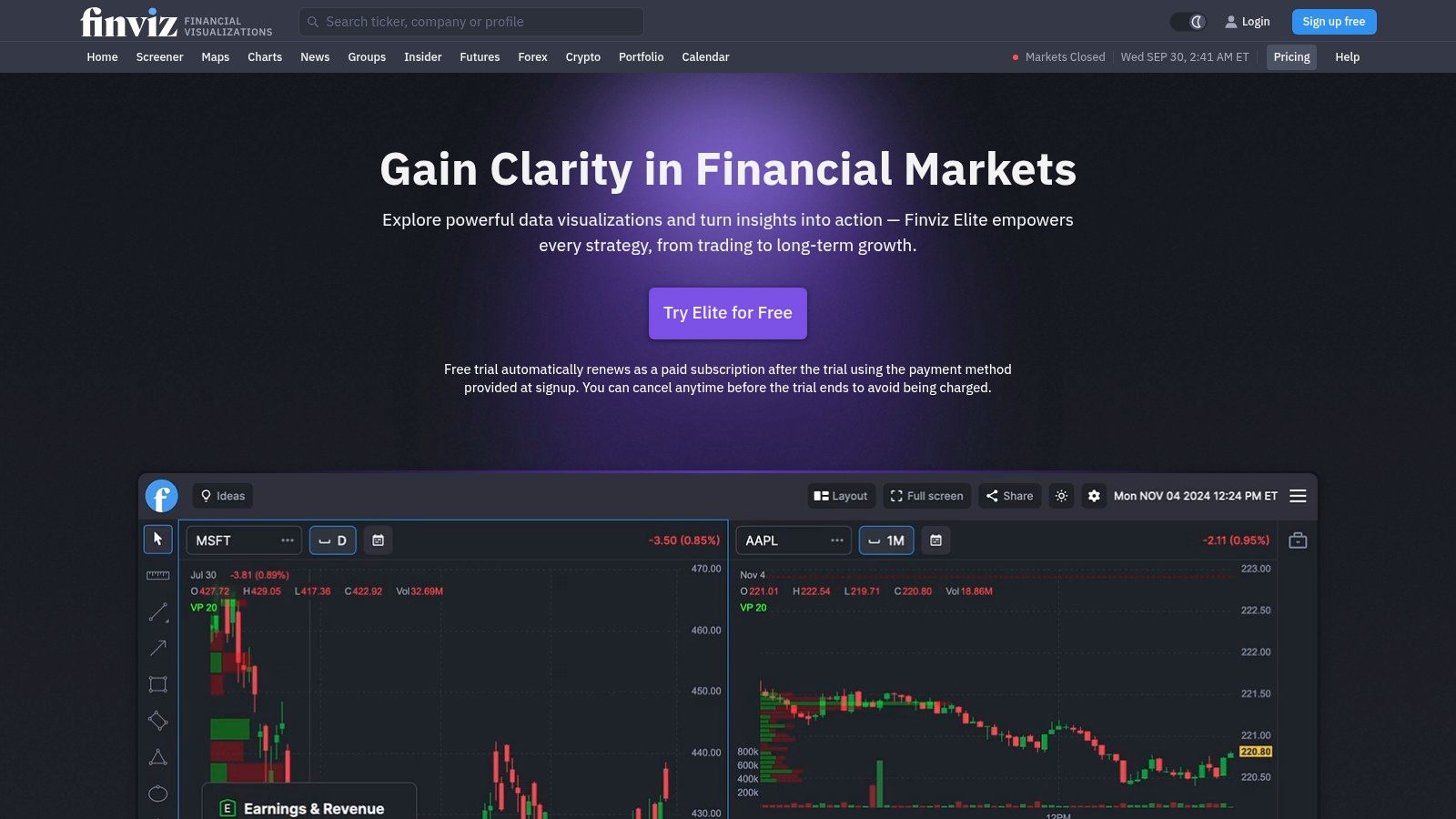
The signal is a filtered candidate or a change in monitored information. That makes FINVIZ Elite a practical first screen for traders who can evaluate the results themselves. It is less suitable for users who need advanced chart construction, detailed options analysis, or a unified explanation of why a stock moved.
Latency also needs precise interpretation. A 10-second auto-refresh is a dashboard update interval, not a promise of exchange-level latency. Venue coverage, account tier, and the arrival time of each underlying news or filing event can affect what appears and when. An alert may identify a new filing, but it does not establish whether an SEC Form 4 records an open-market purchase, compensation, or another transaction type. It also cannot, by itself, connect a move to a congressional disclosure, a 13F report, or a policy development.
Where it fits
Use FINVIZ Elite to narrow a broad market into a verifiable watchlist. Check the original SEC filing, congressional record, 13F report, company announcement, or policy document before treating the alert as a catalyst. That workflow separates monitoring from investment advice.
Trade-offs
- Fast screening: Broad filters make candidate discovery easy.
- High alert capacity: Unlimited email and push alerts support large watchlists.
- Easy export: Results can move into spreadsheets or separate research tools.
- Basic charting: Technical users may need stronger drawing and scripting features.
- Limited specialist depth: News and options analysis are less detailed than dedicated services.
6. TradeStation RadarScreen
TradeStation's RadarScreen is a broker-native scanner for traders who want monitoring and execution in one environment. It scans and ranks up to 1,000 symbols using indicator-based conditions, then provides visual and audio alerts with automatic reset scheduling.
Its signal is primarily technical. EasyLanguage lets users program conditions instead of relying only on preset menus, supporting repeatable monitoring across watchlists, sectors, or broader security groups. The result is useful for identifying price, volume, or indicator changes, but it does not explain whether the move reflects a filing, policy development, or another catalyst.
Best fit: traders already inside TradeStation
RadarScreen suits users who want alerts close to the order workflow. Keeping scanning and execution in one platform reduces the need to transfer symbols from a separate tool, although traders still need to verify the quote, venue, order type, and current market conditions.
Latency claims also need checking by venue and account tier. Market-data and exchange fees may apply based on the user's status and venue. The scanner's output also depends on data entitlements, the EasyLanguage formula, reset behavior, and assumptions about the trading session. New users may find that configuration requires substantial time.
Use the technical alert as a trigger for research, not as a conclusion. After a move, check the relevant SEC filing, including the transaction category on a Form 4. EasyLanguage can rank the symbol, but it cannot classify whether the filing reflects an open-market purchase, a 10b5-1 sale, or compensation. For a broader explanation, compare the move with congressional disclosures, 13F reports, company announcements, and policy documents. That separates monitoring from investment advice.
Trade-offs
- Broker integration: Scanning and execution share one platform.
- Scale: The scanner can monitor up to 1,000 symbols.
- Programming: EasyLanguage supports custom conditions and repeatable rules.
- Complexity: Beginners may need time to learn the platform and language.
- Data costs: Exchange entitlements can affect total cost.
- Limited context: Technical alerts identify conditions, not the fundamental or policy cause.
7. thinkorswim by Charles Schwab
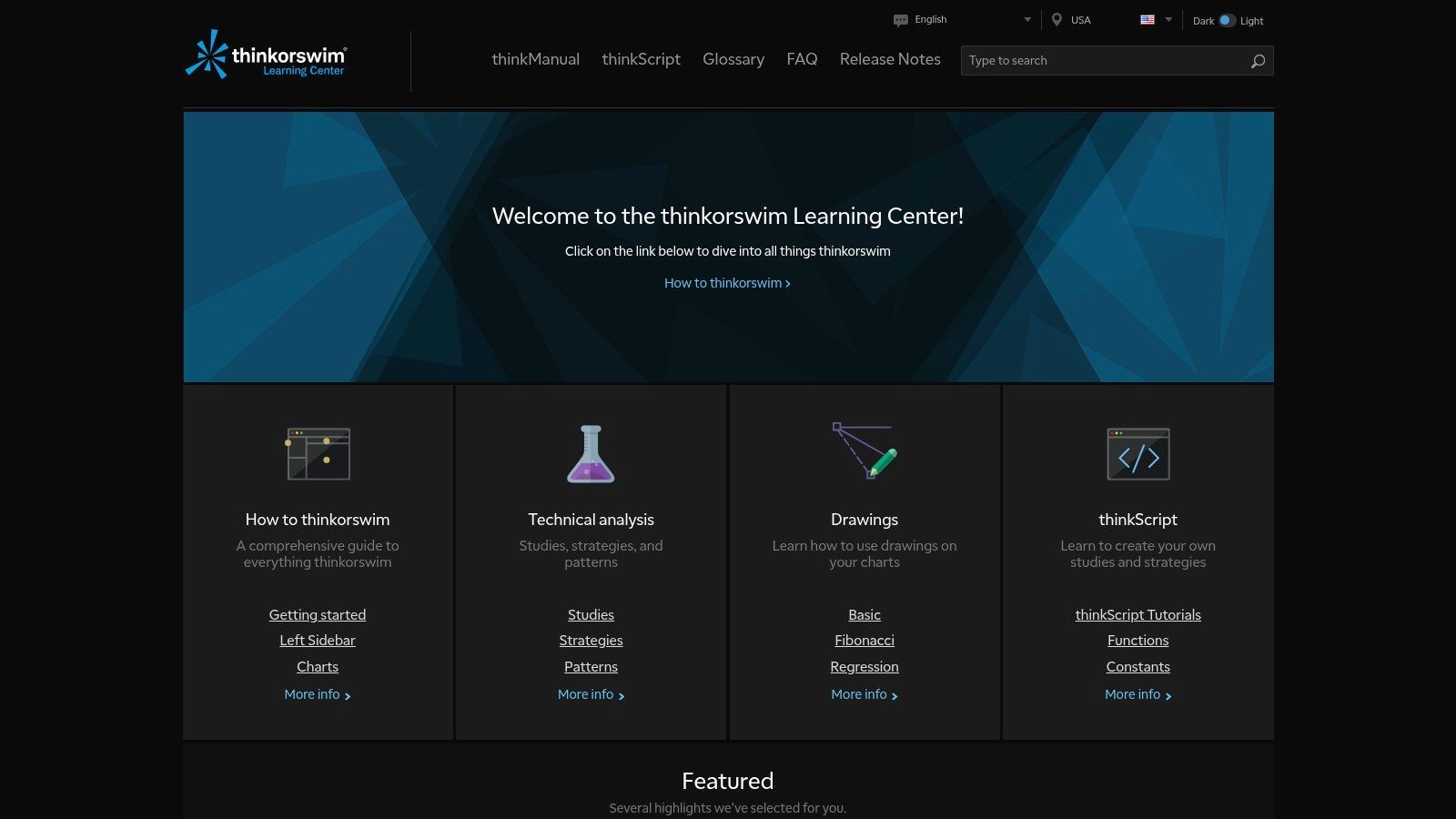
thinkorswim by Charles Schwab is strongest when the alert needs to reflect more than a simple price break. It can trigger on chart studies, drawn trendlines, news, ratings, and custom thinkScript conditions, so the signal can be tied to a specific setup rather than a generic threshold.
That flexibility matters because alert quality is not just about speed. A fast alert on a stale rule still leaves you guessing about context, while a well-built rule can narrow the field before you check the chart, the quote, and the market session.
Push notifications, email, watchlist alerts, and mobile access support monitoring away from the desktop. Schwab account holders can use the platform without an additional platform fee, but real-time access still depends on the relevant account and market-data setup.
Strong rules still need outside confirmation
thinkScript is useful for traders who know exactly what they want to test. It also makes it easy to build conditions that are technically precise but economically thin, especially if the rule reacts to price action without explaining why the move matters. A clean alert can still arrive after a gap, a headline, or a filing has already changed the setup.
The desktop app is demanding and the learning curve is steep, which makes thinkorswim a better fit for active traders than for someone who only wants a simple threshold alert. The platform can tell you that a level was crossed. It cannot tell you whether the move came from a congressional disclosure, an SEC Form 4 filing, a 13F report, or a policy development.
That is the right division of labor. Use the alert to monitor the market, then check the underlying disclosure or event before treating the signal as meaningful.
8. Interactive Brokers TWS
Interactive Brokers Trader Workstation is better suited to traders who want alerts tied to positions, margin, and market access, not just chart levels. TWS can trigger price, volume, and account-condition alerts, and it can deliver them by email, SMS, pop-up, or sound.
The API changes the workflow. It lets systematic traders build alerts programmatically and connect them to watchlists or event-driven rules. That matters more for traders who already manage orders and account exposure in the same place than for users who only need a simple threshold alert.
Breadth helps, but only if you can use it
TWS is strong for global, multi-asset monitoring because the platform is built around brokerage activity, not a single domestic watchlist. The trade-off is speed of use. The interface is dense, and many users end up relying on email or SMS because custom mobile push support is limited.
Latency still depends on the market-data feed and exchange connection behind each instrument. A broker platform can be useful without matching the timing of a direct exchange feed, so the entitlement behind each symbol still matters.
The alert itself also has limits. A volume spike or price break is a signal to check the tape, not proof that an institution entered a new position. Congress disclosures, SEC Form 4 filings, 13F reports, and policy developments can explain the move, but TWS does not tell you which one came first or whether any of them caused the price change.
That makes TWS a monitoring tool, not an interpretation layer. Use it to track what the market is doing, then verify the cause in the relevant disclosure or event before treating the alert as meaningful.
9. Webull
Webull is a mobile-first broker for users who need straightforward price and indicator alerts rather than a specialist scanner. Its alert logic supports crossing, greater-than, and less-than conditions. Desktop users can also create custom indicator alerts, giving the platform more flexibility than a static watchlist.
Webull sends notifications through push alerts, email, SMS, and phone calls. The core platform is free, while real-time Level 1 and Level 2 market data require optional subscriptions. That setup suits newer users who want actionable monitoring without adopting a professional desktop platform.
Its main strengths are mobile simplicity, delivery choice, and optional data. A user can set a price condition quickly, receive it on a familiar device, and choose another channel when phone permissions, background settings, connectivity, or configuration might interrupt delivery. This makes Webull useful for a long-term watchlist or a clearly defined market level.
The signal remains narrow. A price crossing or indicator trigger shows that market behavior has changed, but it does not explain the cause. Level 1 and Level 2 provide different layers of market information, yet neither independently verifies congressional disclosures, an SEC Form 4 filing, a 13F report, or a policy development behind the move. Webull also cannot classify an insider transaction or establish whether a supposed whale activity caused the price change.
The trade-offs are limited complexity, notification dependence, and broker scope. Advanced volatility conditions and detailed event logic are less developed than in specialist alert platforms. Device settings can disrupt delivery, and the research context is lighter than what dedicated alert services provide.
Webull works best as a fast notification layer. Treat the alert as a prompt to check filings, disclosures, or policy news, not as investment advice or proof that the move will continue.
10. StocksToTrade
A fast alert can identify a trade candidate without explaining the trade. StocksToTrade is built around that distinction, combining breaking-news monitoring, scanners, charts, and price alerts for small- and mid-cap momentum names. The integrated workspace lets traders move from an unusual move to a closer review without opening several applications.
Its signal is strongest when volume, price action, and a fresh headline arrive together. The optional Breaking News Chat adds curated alerts and commentary, but it increases the total cost. That focus suits traders with a defined catalyst process better than users who only need a broad portfolio watchlist.
What the alert can and cannot prove
StocksToTrade can show that a small-cap stock is moving and that a news item may be related. It cannot prove the move will last, that liquidity will remain available, or that the headline represents a durable change in the business.
The same limit applies to policy monitoring. A regulatory update may affect a sector unevenly. Legislation can alter expected winners and losers, yet the result depends on the final text, implementation, timing, competitive exposure, and what investors had already priced in.
A technical or news alert also does not replace checking congressional disclosures, SEC Form 4 filings, 13F reports, or the primary policy document. Those sources may clarify ownership, insider activity, institutional positioning, or regulatory substance, but they arrive through different channels and answer different questions. The alert is a starting signal, not investment advice.
For workflow fit, the platform offers:
- News-first workflow: Breaking developments sit close to scanner and chart data.
- Momentum focus: The tools target fast-moving small and mid-cap stocks.
- Integrated alerts: Price events and news can be reviewed in one workspace.
The trade-offs are add-on costs, specialized use, and context limits. Breaking News Chat and other features may require extra spending. The learning curve is heavier than that of a lightweight screener, and the workflow is less suitable for passive portfolio monitoring. A fast headline still requires company-level and primary-source verification.
Top 10 Real-Time Stock Alert Platforms, Feature Comparison
| Platform | Core features | Unique selling points ✨ / 🏆 | Target audience 👥 | UX & reliability ★ | Price / Value 💰 |
|---|---|---|---|---|---|
| TradingView | Advanced charting, 400+ indicators, Pine Script, server-side alerts | ✨ Best charting + community scripts; server-side alerts 🏆 | 👥 Retail → pro chartists & strategy creators | ★★★★★ | Tiered paid plans; data add‑ons 💰💰 |
| Benzinga Pro | Real-time news, live squawk, Signals feed, mobile alerts | ✨ Live squawk + fast catalyst detection 🏆 | 👥 News/catalyst traders & desk users | ★★★★ | Paid tiers; Signals/Squawk on higher plans 💰💰 |
| Trade Ideas | 500+ real-time scans, AI "Holly", backtesting, paper trading | ✨ AI strategy generator for intraday ideas 🏆 | 👥 Active intraday traders & quant hobbyists | ★★★★ | Premium is costly but powerful 💰💰💰 |
| TrendSpider | Dynamic trendline/pattern alerts, automation, SignalStack webhooks | ✨ Visual automation & chart‑tied alerts 🏆 | 👥 Systematic traders & visual analysts | ★★★★ | Paid tiers + add‑ons 💰💰 |
| FINVIZ Elite | Real-time US quotes, unlimited alerts, 10s refresh, CSV export | ✨ Fast, lightweight screener with unlimited alerts 🏆 | 👥 Screeners & value-focused traders | ★★★★ | Annual subscription; strong value 💰 |
| TradeStation (RadarScreen) | Scan/rank up to 1,000 symbols, EasyLanguage alerts, audio/visual cues | ✨ Broker-integrated scanning + execution 🏆 | 👥 Traders wanting integrated execution & customization | ★★★★ | Broker platform; data/exchange fees may apply 💰💰 |
| thinkorswim (Schwab) | thinkScript alerts, drawing-based triggers, push notifications | ✨ Deep, scriptable chart alerts; free with Schwab accounts 🏆 | 👥 Advanced technical & options traders | ★★★★ | Platform free for Schwab clients; data varies 💰 |
| Interactive Brokers TWS | Price/volume/account alerts, SMS/Email, API automation | ✨ Global multi-asset alerts + programmable API 🏆 | 👥 Global/multi‑asset traders & algos | ★★★★ | Platform free; market/data fees apply 💰💰 |
| Webull | Mobile-first price & indicator alerts, push/email/SMS/phone | ✨ Beginner-friendly mobile alerts; commission-free broker | 👥 Beginners and mobile traders | ★★★★ | Free platform; optional data upgrades 💰 |
| StocksToTrade | Breaking-news workflows, built-in scanners, price-event alerts | ✨ News-first small/mid-cap momentum workflow 🏆 | 👥 Small-cap momentum & news traders | ★★★ | Paid with optional chat/add‑ons 💰💰 |
Build an Alert Stack You Can Actually Verify
Start with the signal, not the brand. Decide whether you need a mobile price notification, an intraday catalyst, a technical condition, a broker-native trigger, global market coverage, or research into public-official and institutional activity. A tool that excels at one job can be a poor choice for another, and combining several narrow tools may create less noise than forcing one platform to cover every workflow.
Then test what “real time” means for the specific feed. Historical market-data infrastructure shows why the label needs precision. A 2017 study of the New York Stock Exchange describes the development of computerized market-data dissemination from the Market Data System through debates around the National Market System and the 1975 Securities Acts Amendments in the historical account of NYSE real-time market data. Modern systems can deliver updates in microseconds, but retail products may use consolidated, aggregated, or delayed feeds.
A market-data comparison reports direct exchange feeds ranging from sub-millisecond to single-digit millisecond latency, while delayed public feeds can lag from 1 to 15 minutes. It also describes real-time API specifications ranging from roughly 25 milliseconds to 150 milliseconds, with 99.9% uptime as a common enterprise target, so compare the feed architecture rather than trusting a marketing label. The market-data comparison of monitoring tools provides useful procurement context.
Use this evaluation sequence before relying on an alert:
- Confirm the signal: Identify whether the trigger is price, volume, news, technical structure, a filing, or a policy development.
- Check timing: Establish whether the data is streaming, periodically refreshed, consolidated, or delayed.
- Review coverage: Confirm exchanges, asset classes, premarket access, regular-session access, and after-hours availability.
- Test delivery: Send test alerts through every channel you intend to use, including push, email, SMS, and desktop notifications.
- Inspect limits: Review alert caps, watchlist restrictions, API access, market-data fees, and add-on costs.
- Record evidence: Save the alert timestamp, filing timestamp, transaction date, reported range, and source document.
The technical feed and the public filing answer different questions. A direct quote feed may show what the market is doing now. A congressional disclosure shows what a covered lawmaker or staff member reported later. Under the STOCK Act, covered transactions over $1,000 must be reported within 45 days, and the public filing is delivered through House or Senate ethics systems rather than a live market feed, according to the Congressional Research Service explanation of congressional trade disclosures. Treat that information as delayed context, not an instant entry or exit signal.
Corporate insiders provide a fresher but still incomplete signal. SEC Form 4 is the main disclosure for corporate officers, directors, and other beneficial owners, and it must be filed before the end of the second business day after the transaction date, according to the SEC's Forms 3, 4, and 5 document. The filing tells you that an insider changed exposure. It doesn't prove that the transaction was an open-market purchase, that the person has superior information, or that the stock will respond in a particular direction.
The same discipline applies to “whale” activity. Form 13F covers investment managers with at least $100 million in Section 13(f) securities and is filed within 45 days after each calendar quarter ends, as stated by the SEC's Form 13F guidance. The report includes the manager, security name and class, CUSIP, share count at quarter-end, and market value. That makes it useful for identifying portfolio clustering, but it isn't a live position feed and doesn't show everything a manager may own or do.
Policy signals need another layer of analysis. A congressional transaction can attract attention, but the mechanism matters more than the headline. Legislation, regulation, committee work, and agency action can change expected winners and losers across a sector, yet the effect depends on the actual policy, implementation, exposure, and market expectations. The Congressional Research Service discussion of congressional trading and policy supports a more responsible approach, look for repeated patterns across lawmakers, insiders, and large funds, then test whether the activity aligns with a policy mechanism.
Independent testing also shows why hit rate alone is a weak standard. One review found that six of eight paid alert services failed to beat a simple S&P 500 index fund over a 90-day period, while it cited a 2024 Journal of Financial Economics study reporting that 94% of stock-picking newsletters underperformed index funds after costs over 10 years. Those findings are described in the independent review of paid alert services. They don't prove that every alert tool is ineffective. They do show why users should measure net expectancy, slippage, costs, false positives, and decision quality instead of celebrating fast delivery.
A cloud-native surveillance benchmark makes the same point from the engineering side. Across 25 equities over 30 market sessions, the evaluated platform reported 47 seconds median alert latency, 99.7% availability, 100% rule-evaluation accuracy, and a 1.18% false-positive rate, according to the published alerting-platform benchmark. Feed speed alone doesn't determine alert quality. Detection consistency, deduplication, uptime, and noise control matter just as much.
TradeLikeInsiders is one optional consolidated research layer for users tracking congressional disclosures, SEC insider filings, whale activity, and policy signals. It can organize those delayed public records and provide summaries, but verify important claims against House and Senate disclosures, SEC EDGAR, Form 4, and 13F filings.
The practical conclusion is simple. A filing is a clue, not a command. A price alert is a prompt to investigate, not investment advice. Build the stack around the evidence you can verify, log what arrived and when, and keep technical monitoring separate from assumptions about motive or future returns.
This content is for informational purposes only and is not financial advice. Do your own research.
HeliosNet LLC offers TradeLikeInsiders, a market research and alerting platform that brings delayed congressional disclosures, SEC insider filings, whale activity, and selected policy updates into one workflow. Visit TradeLikeInsiders to review these signals, use its research tools, and practice with its paper-trading environment before making any decisions.