Traders chase the headline and call it research. That's backwards. The public trades on news, while the useful signals are already sitting in disclosures, filings, and policy releases, just scattered across slow systems that don't explain themselves. Congressional disclosures can lag up to 45 days and report amounts in ranges, so the key question isn't who shouted loudest today, it's which tool shows what happened, how fresh it is, and what it still can't tell you.
That's why stock market research tools matter most when they help you separate signal, timing, and context. Some tools are better at who's buying, some at what policy is moving sectors, some at what the numbers say, and some at turning filing noise into something you can use. The ten below are grouped by that job, not by feature count. They're research aids, not recommendations, and none of them predict returns.
Table of Contents
- 1. HeliosNet LLC
- 2. TipRanks
- 3. Finviz Elite
- 4. Koyfin
- 5. Morningstar Investor
- 6. YCharts
- 7. Seeking Alpha Premium
- 8. TradingView
- 9. TrendSpider
- 10. Benzinga Pro
- Top 10 Stock Market Research Tools Comparison
- Match the Tool to the Question, Then Verify Every Signal
1. HeliosNet LLC
HeliosNet LLC is built for traders who want the messy stuff in one place. It brings together congressional trade disclosures, SEC Form 4 insider filings, whale transactions, and curated agency releases, then adds AI summaries and cited Q&A so you can see how policy and filings connect to markets without bouncing between tabs. The point is speed with context, not flash.
The Live Signal Engine is the main draw because it keeps scanning those sources and adds timestamped context. That matters when a disclosure is useful as a clue but too stale to treat like a live trade alert. The platform also lets you switch presentation modes, from Plain English to Basics to Experienced, which helps when you need to move from “what is this filing?” to “is this signal still worth acting on?”
Practical rule: if a platform cannot tell you whether a signal is delayed, filed retrospectively, or close to real time, it is easy to trade stale information too aggressively.
HeliosNet also goes beyond alerting. The paper-trading terminal, order journaling, and performance history give you a place to test your reactions before you connect live capital. That is uncommon in this niche, and it matters because clean disclosures still leave timing risk on the table.
Pricing is straightforward, with a free tier, Pro at $9.99 per month, and Elite at $19.99 per month. The trade-off is clear. You get a unified research layer and AI help, but market snapshots are publisher-timestamped rather than streaming prices, and some higher-signal dashboards sit behind paid plans. For traders tracking congressional trades, insider activity, whale moves, and policy signals, TradeLikeInsiders is built around exactly this disclosure-first workflow, which is why it leads this list.
2. TipRanks
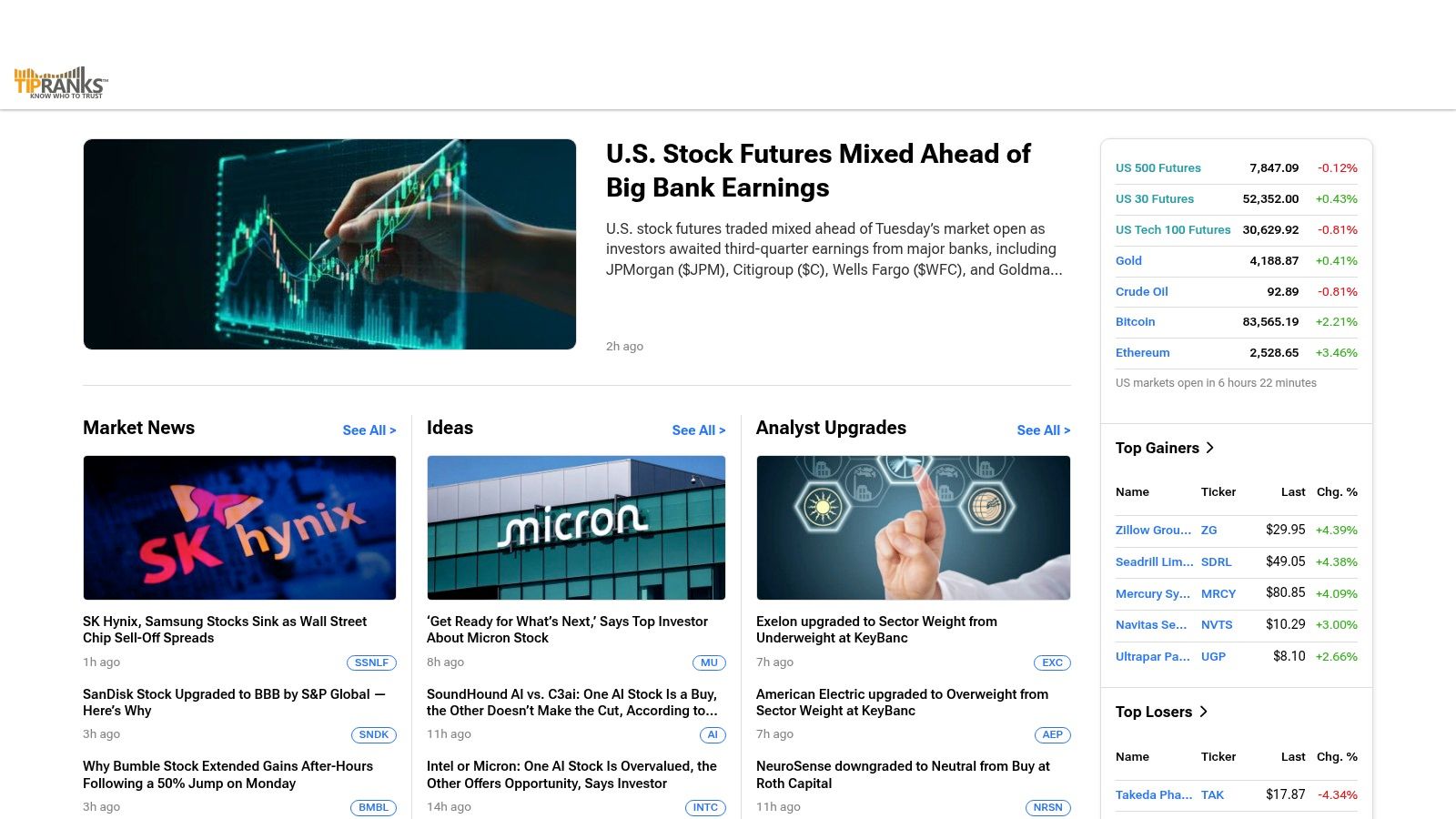
TipRanks is for the trader who wants a fast answer to a simple question, who's getting consensus support and who isn't. Its Smart Score is built around ranked idea discovery, and it pulls in analyst ratings, price targets, insider activity, and hedge-fund activity in one place. That makes it good for screening, less good for deep digging.
The strength here is speed. You can scan ranked names, check analyst changes, and monitor insider or hedge-fund shifts without building your own workflow from scratch. The platform also folds in stock and ETF screeners, daily analyst and insider trackers, plus earnings, dividend, and economic calendars with alerts.
Where it helps and where it doesn't
TipRanks works when you need a quick shortlist. It's weaker when you want to understand the filing itself, the policy backdrop, or the timing gap between the event and the public record. Smart Score is a model, not a verdict, so I'd treat it as an organizer of ideas, not a replacement for primary sources.
The platform's value is in aggregation, and that's also its limit. It's a good first stop for people who want ranked signals and mobile-friendly monitoring, but it's not a full fundamentals workstation. If you use it well, you'll save time. If you use it lazily, you'll outsource judgment to a score.
3. Finviz Elite
Finviz Elite is one of the cleanest tools for fast market scanning. It's built for traders who want a visual read on the market, then a quick path from sector heatmap to individual names. The screener is the headline feature, and it does that job well.
The appeal is obvious if your process starts broad and ends narrow. You can move through hundreds of filters, sector and industry heatmaps, alerts, exports, and an ad-free interface without much learning curve. Elite also adds real-time quotes and intraday charts, which makes it more useful for active monitoring than the free version.
Practical rule: use Finviz to find candidates, not to finish the job. Screening is the front door, not the conclusion.
Finviz is especially strong when you want a fast top-down read before you open other tools. It's not built like a quant lab, though, so backtesting and historical analysis are lighter than what you'd get in a dedicated research stack. The fundamentals side is also thinner than in more analyst-oriented platforms.
That's the trade-off. Finviz gives you speed, simplicity, and a cheap way to keep real-time screening in play. It doesn't try to be everything, and that restraint is why many traders keep it open all day.
4. Koyfin
Koyfin works well for traders who want fundamentals without the clutter of heavier research software. It brings dashboards, valuation snapshots, filings, news, transcripts, and charting into one screen. The clean interface matters when you are staring at data for hours.
Its main strength is speed of comparison. You can build a single view across equities, ETFs, and macro series, then screen names and compare them side by side. Higher tiers add custom formulas and more flexible data series, which helps once a quick idea turns into a real research question.
The platform also has decent breadth. ETF holdings, mutual fund data, and charting with comparables make it useful for checking how a portfolio or fund is constructed. Some advisor-style functions sit behind higher tiers, and it does not try to replace a live news squawk.
Best use case
Use Koyfin when your question is comparative: what this company looks like versus peers, or how a fund breaks down. For a worked example of pairing a fundamentals workstation with disclosure data, see this sample walkthrough on the TradeLikeInsiders blog. It is less useful if your edge depends on second-by-second execution or a fast catalyst feed.
For traders who want a cleaner research screen, Koyfin sits in the middle ground between casual screening and institutional-style analysis. That middle ground is the point.
5. Morningstar Investor
Morningstar Investor is still one of the stronger choices for people who care about long-term research and portfolio construction. The platform leans into analyst reports, fund and ETF research, screeners, and portfolio health tools rather than intraday noise. That's a feature, not a flaw, if your process is built around quality and discipline.
Its Star Ratings and analyst reports are useful because they force you to think about fees, stewardship, and what you own. The portfolio analysis tools are especially helpful for retail investors who suspect they're more diversified than they are. That suspicion is often correct.
Morningstar is not built for traders chasing headlines. It won't feel as lively as a newsfeed, and that's the point. It gives you a steadier framework for deciding whether an investment belongs in a portfolio at all, not just whether it moved today.
Practical rule: if your strategy depends on intraday timing, Morningstar will feel slow. If your strategy depends on owning the right assets, it's useful.
The platform also stays approachable for non-professionals, which matters. A lot of research tools drown the user in functions that sound smart and do little. Morningstar does the opposite. It narrows the focus to durable research, and that discipline is valuable even when it feels boring.
6. YCharts
YCharts is aimed at serious investors and advisors who need charts that tell a story. It does well on time-series work, model portfolios, and reporting, which makes it a practical choice if you're presenting ideas to clients or to your own team. It's less about chasing signals and more about explaining them clearly.
The charting layer is strong because it handles market, economic, and factor data in a way that's built for comparison. You can also plug data into Excel or Google Sheets, which is useful when a browser window isn't enough. That workflow matters if you're stitching together research for an investment memo or a portfolio review.
Why people keep it open
YCharts is especially useful when a trader needs to show why a view exists, not just that it exists. The report builder helps turn analysis into something shareable, and that makes it feel closer to a professional research platform than a casual stock app.
The downside is cost and fit. Pricing is quote-based, so it's usually not the first stop for retail traders. It also isn't a squawk box. If you need live event flow, this isn't the tool. If you need polished visuals and clean comparison work, it earns its spot.
7. Seeking Alpha Premium
Seeking Alpha Premium sits in an interesting middle ground between crowd analysis and quantitative filtering. Its Quant Ratings and Factor Grades make it useful for idea discovery, while the author ecosystem gives you a lot of angle diversity. That mix is useful if you don't want to rely on a single style of analysis.
The platform is strongest when you want to scan a name quickly, read multiple interpretations, and then decide whether it deserves deeper work. Transcript coverage is another advantage, especially for earnings season. If you're active, that saves time.
But you do have to separate signal from opinion. Some contributor work is sharp, some is sloppy, and the platform is broad enough that quality varies. The quant overlays help a lot because they give you a more structured starting point than raw commentary.
Seeking Alpha is best used as a research hub, not a final authority. It's valuable because it helps you move from “I saw this name mentioned” to “I've checked the ratings, the transcripts, and the competing takes.” That's a real workflow upgrade if you're trying to stay disciplined.
8. TradingView
TradingView is the charting platform most traders eventually try because it covers so much ground. It's strong on multi-chart layouts, second and tick intervals, indicators, screeners, and community scripts. If your eyes live on charts, this is one of the best environments around.
The other reason it sticks is flexibility. Pine Script lets users build and test strategies, while server-side alerts help you monitor setups without staring at a screen all day. It also extends beyond stocks into ETFs, crypto, bonds, and options, which makes it useful as a broad market workspace.
That breadth comes with a price, though. Real-time exchange data often means extra add-ons, and the platform is chart-centric rather than event-centric. If your edge comes from filing timing or policy interpretation, charts alone won't do the job.
Still, TradingView is excellent for traders who want to see structure, test ideas, and keep an eye on many markets at once. It's one of the few tools that can serve beginners and heavy multi-monitor users without feeling like two different products.
For broader research workflow context, the TradeLikeInsiders blog is a useful complement when you're trying to connect chart action with disclosure-driven signals.
9. TrendSpider
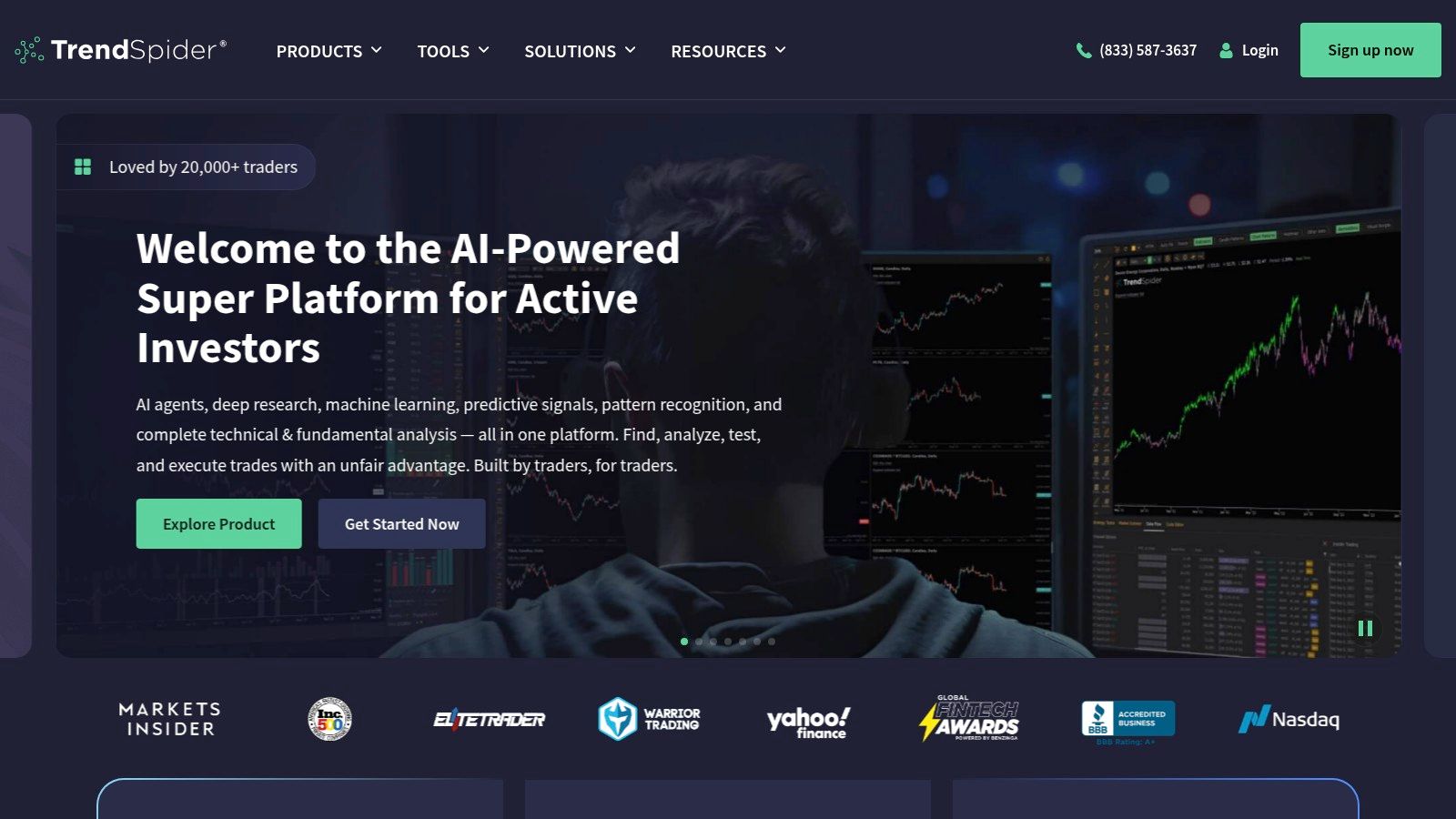
TrendSpider is built for traders who want automation to do more of the chart work. It detects patterns, runs multi-timeframe scans, and helps manage complex alerts. That makes it a natural fit for technical traders who don't want to keep rebuilding the same setup by hand.
The platform's strength is systematic repetition. If your process depends on scanning the same conditions across many names, TrendSpider can save a lot of time. Strategy testing and trading bots extend that logic, so it's not just about spotting patterns, it's about acting on them in a more structured way.
The AI Sidekick is part of the pitch, but the true value is usually in automation and alerting. That's where the platform earns its keep. If you already know what you're looking for, TrendSpider helps you scale the search.
What to watch
TrendSpider is not the right first choice for deep fundamental research. It's lighter on the balance-sheet and policy side, and real-time data can raise the total cost once you add the feeds you need. Still, for technical traders, it's one of the better automation-first options.
Think of it as a tool for turning chart logic into a repeatable process. That's a big deal if your strategy breaks down when you have to babysit everything manually.
10. Benzinga Pro
Benzinga Pro is for traders who think in catalysts. It's built around a fast newsfeed, audio squawk, scanners, calendars, and signals, so it works best when speed matters more than long reports. If you want to know what just hit the tape, it's in the right lane.
The filtering is the main reason people stick with it. A raw news firehose is useless if you can't sort what matters from what doesn't. Benzinga Pro tries to solve that with scanners, real-time signals, and calendars that cover earnings, FDA, offerings, and related market movers.
It's not trying to be a deep fundamentals suite, and that's fine. The product is aimed at the moment of decision, not the long memo. That makes it valuable for active traders who already know how to read a catalyst and don't need a lecture on valuation every time a headline hits.
The trade-off is that the price rises as you add functionality, and the platform favors trading-time news over deeper modeling. If you want the fastest possible stream with a pro workflow, it's strong. If you want long-horizon research, look elsewhere.
Top 10 Stock Market Research Tools Comparison
| Product | Core features | UX / Quality ★ | Price / Value 💰 | Target audience 👥 | Unique selling points ✨ |
|---|---|---|---|---|---|
| 🏆 HeliosNet LLC | Live Signal Engine (congressional, Form 4, whales), AI Market Reads, Smart Alerts, paper trading, device sync | ★★★★★ | 💰 Free / Pro $9.99 / Elite $19.99 | 👥 Policy-aware traders, beginners, research-driven investors | ✨ Timestamped sources, AI summaries + Expert Q&A, built-in simulation & prioritized alert lanes |
| TipRanks | Smart Score, analyst/insider/hedge aggregation, screeners, alerts | ★★★★☆ | 💰 Freemium → paid tiers | 👥 Idea-seekers tracking analyst & insider moves | ✨ Ranked Smart Score, consensus tracking |
| Finviz Elite | Advanced screener, heatmaps, alerts, real-time quotes/charts (Elite) | ★★★★☆ | 💰 Elite subscription (real-time) | 👥 Quick idea discovery, screeners-first traders | ✨ Very fast visual screening & market heatmaps |
| Koyfin | Fundamentals dashboard, 10‑yr financials, ETF look-throughs, custom formulas | ★★★★☆ | 💰 Freemium / Paid Plus+ | 👥 Investors, analysts, advisors | ✨ Professional fundamentals in a clean browser UI, custom data series |
| Morningstar Investor | Star ratings, analyst reports, Portfolio X‑Ray, fund/ETF screeners | ★★★★☆ | 💰 Consumer subscription (affordable) | 👥 Long‑term investors, fund/ETF researchers | ✨ Deep fund lineage & transparent methodology |
| YCharts | Time-series charting, model portfolios, report builder, office add-ins | ★★★★☆ | 💰 Quote-based / enterprise pricing | 👥 RIAs, advisors, professional investors | ✨ Client-ready reports & advisor workflow integrations |
| Seeking Alpha Premium | Quant Ratings, Factor Grades, AI summaries, transcript/author library | ★★★★☆ | 💰 Premium subscription | 👥 Earnings readers, idea discoverers, quant-overlay users | ✨ Quant overlays + extensive author ecosystem and AI insights |
| TradingView | Advanced multi-asset charts, Pine Script, screeners, broker connections | ★★★★★ | 💰 Freemium / paid Pro tiers (+ exchange feeds) | 👥 Chartists → quants, multi-asset traders | ✨ Exceptional charting, massive community scripts & backtesting |
| TrendSpider | Automated pattern detection, multi-timeframe scans, backtesting, trading bots | ★★★★☆ | 💰 Paid tiers + optional data add-ons | 👥 Systematic technical traders | ✨ Automation-first scans, bots & AI Sidekick |
| Benzinga Pro | Ultra-fast newsfeed, audio squawk, scanners, real-time signals & calendars | ★★★★☆ | 💰 Paid (real-time news + add-ons) | 👥 Catalyst-driven, intraday traders | ✨ Fast audio squawk & high-speed filtering for real-time catalysts |
Match the Tool to the Question, Then Verify Every Signal
The cleanest way to use stock market research tools is to start with the question, not the product. If you want to know who is trading, go to congressional disclosures, SEC Form 4 filings, and 13F reports. If you want to know what policy changed, look at the actual law, rule, agency action, or disclosure behind the headline. If you want to know what the numbers say, use a screening, charting, or fundamentals tool that keeps the data visible instead of hiding it behind a score.
The part often skipped is verification. Congressional STOCK Act disclosures can arrive weeks after the transaction, and the filings report amounts in ranges, so they're context, not live execution signals. SEC Form 4 gives you much better insider timing, but even then you still need to read the transaction type, not just the headline. Form 13F shows historical institutional positioning, not a live whale tracker, and it does not give you the full portfolio.
That's why the best workflow is layered. Use a signal tool to spot activity, then verify the filing date, transaction date, source timestamp, and the kind of data you're looking at. If the tool doesn't clearly separate delayed filings, static snapshots, and real-time feeds, treat it as a starting point, not a conclusion. Rankings, scores, and AI summaries are useful as triage, but they're not proof.
For traders who want congressional trades, insider activity, whale moves, and policy signals in one place, TradeLikeInsiders is built around that exact workflow. It helps reduce the time spent hunting scattered disclosures and gives you a cleaner way to read what the public record says, not what the headline implies. This content is for informational purposes only and is not financial advice. Do your own research.
HeliosNet LLC gives you one place to track congressional trades, SEC insider filings, whale activity, and policy signals without stitching together a dozen tabs. If that's the way you like to research the market, visit TradeLikeInsiders and see how the platform turns scattered disclosures into a cleaner trading workflow.