The public trades on news. Insiders trade on information. Except the tape you're reading is old. Under the STOCK Act, members of Congress, officers, and certain congressional employees must file a Periodic Transaction Report when they buy, sell, or exchange covered securities above $1,000, and the House financial disclosure guidance allows the report to land as late as 30 days after notice of the trade and never later than 45 days after the transaction itself. By the time it's public, the move has usually already happened.
Amounts come in buckets, not dollars. The House financial disclosure instructions list ranges starting at more than $1,000 up to $15,000, then more than $15,000 up to $50,000, and larger brackets above that. You can't compute a position size or a return from a PTR. You can read direction, approximate scale, and whether the same filer keeps showing up.
The primary sources are the ones you'd check yourself: House and Senate financial disclosures for Congress, SEC EDGAR for Form 4 filings where corporate insiders report their own transactions, and 13F filings where large institutional managers list their quarter-end holdings. This roundup sorts AI trading platforms by what they do with that raw material, whether research and explanation, decision support, backtesting, or execution, and flags which ones touch government and insider disclosures at all. It's education, not a list of tickers to buy, and no platform here guarantees a result.
Table of Contents
- 1. TradeLikeInsiders
- 2. Composer by SoFi
- 3. Trade Ideas
- 4. TrendSpider
- 5. Tickeron
- 6. Kavout
- 7. Danelfin
- 8. QuantConnect
- 9. Alpaca
- 10. TradingView
- How the 10 AI trading platforms compare on role, practice tools, automation, and entry cost
- Match the Tool to Your Question, Then Verify Everything
1. TradeLikeInsiders
Most "smart money" tools cover one lane. This one covers four at once. TradeLikeInsiders pulls congressional disclosures filed under the STOCK Act, SEC Form 4 insider filings, on-chain whale flow, and selected policy and regulatory updates into a single research platform. The case for it isn't that any one of those signals predicts anything. It's that the actual question, what are officials and insiders doing around this sector right now, usually takes three or four sources to answer.
The differentiator is provenance. Signals carry a source timestamp, and AI output is framed as interpretation rather than fact. That framing isn't decoration. ESMA's warning on the use of AI in investing points out that AI-generated investment information can be inaccurate or misleading, and that a public AI tool may not be authorised, supervised, or required to act in your best interest. An alert you can't trace back to a filing is a rumour with better formatting.
How the dashboards are organized
Agents, Committee, and Power Players slice activity by member, committee exposure, and influence. Whales and Crypto War Room cover large-actor and digital-asset flow. AI Market Read groups activity across those feeds into a written synthesis, and Expert AI Q&A answers targeted questions with citations attached. Beginners can switch to plain-language explanations and rehearse in a simulated portfolio with a trade journal, no live funds involved.
Pros
- Four signal types, one workspace. Congressional filings, Form 4 activity, whale flow, and policy updates stop living in four browser tabs and a spreadsheet.
- Citations attached to conclusions. Source timestamps and disclosure context let you separate a filing from a model's opinion about the filing.
- Practice before capital. Paper trading with journaling gives you somewhere to test whether the alerts improve your decisions.
- Clear pricing. A free plan exists, Pro runs $9.99 per month, and Elite runs $19.99 per month.
Cons
- Delayed by construction. Congressional and insider data come from filings, so they arrive late, the same as the underlying documents. Higher tiers mean broader coverage, not a live tape.
- Some feeds are snapshots. Market data is publisher-timestamped rather than streaming, so a displayed price may already be stale.
- Research, not advice. The signals are aids to your own thinking. Nothing here tells you what to buy.
The site doesn't publish independently verifiable customer testimonials or third-party certifications, so weigh the workflow over social proof. TradeLikeInsiders
2. Composer by SoFi
Composer treats AI as a strategy builder rather than a stock picker. You describe an idea in plain language, it drafts a strategy it calls a symphony, and you see the entry and exit logic, the backtest, and risk statistics before anything trades.
The strategy canvas is where the work happens.
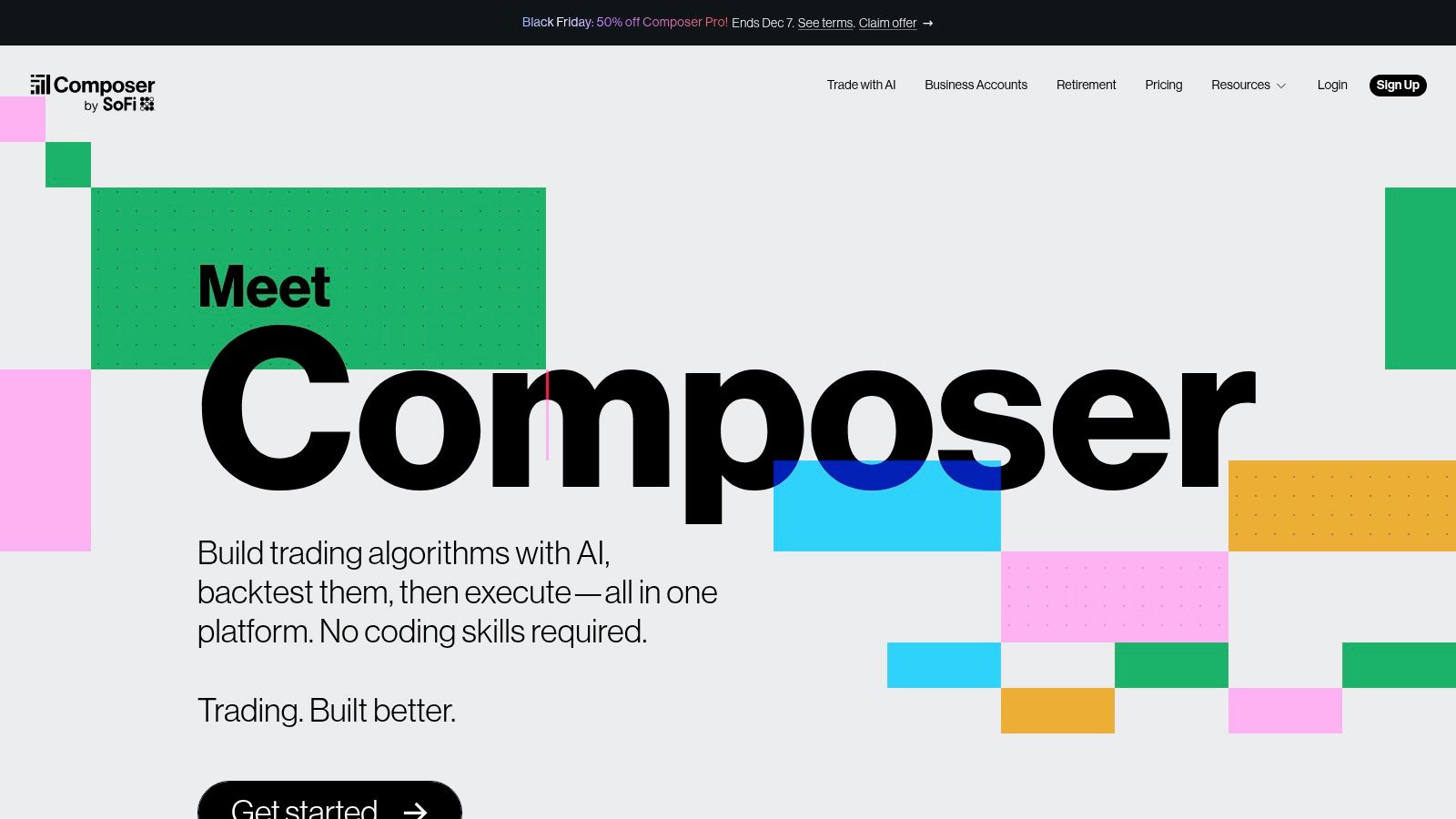
Readable logic is the whole point. A generated strategy you can't inspect is a black box with a subscription fee. Composer hands you the rules and the drawdown numbers, and you decide whether to turn it on.
Who this is actually for
Stock, ETF, and options traders who want systematic rules without writing code. Crypto and global-macro people will find the coverage thin. The free Starter tier automates one strategy, which is enough to learn whether you'll use it twice.
The adoption numbers explain the hesitation. A 2026 Investing.com survey of 938 U.S. retail investors found 62% had used AI to inform investment decisions, but only 4.5% had used automated trading algorithms, against 30.6% who used AI-powered research or screening tools. Building a strategy is a much bigger commitment than reading a screen.
Pros
- Idea to execution in one product. Discovery, backtesting, and live order routing live in the same interface.
- Free tier worth having. One automated strategy is enough to test the workflow properly.
- You approve the rules. Nothing runs until you've reviewed the logic and the risk stats.
Cons
- Narrow asset coverage. Stocks, ETFs, and options only.
- Automation inherits market risk. Backtest limits, execution slippage, and regime change don't disappear because a model wrote the rules.
- AI usage is metered. A weekly allowance caps how much you can lean on the assistant, and it varies by tier.
The honest limit: A backtest describes how the rules behaved on historical data. It says nothing about the next six months.
Website: Composer
3. Trade Ideas
Trade Ideas is a scanner first and an AI product second. It runs real-time filters across U.S. stocks, fires streaming alerts, and layers AI on top for building scans and interpreting output. If your question is what's moving right now, that ordering matters.
The scan builder is the entry point for many users.
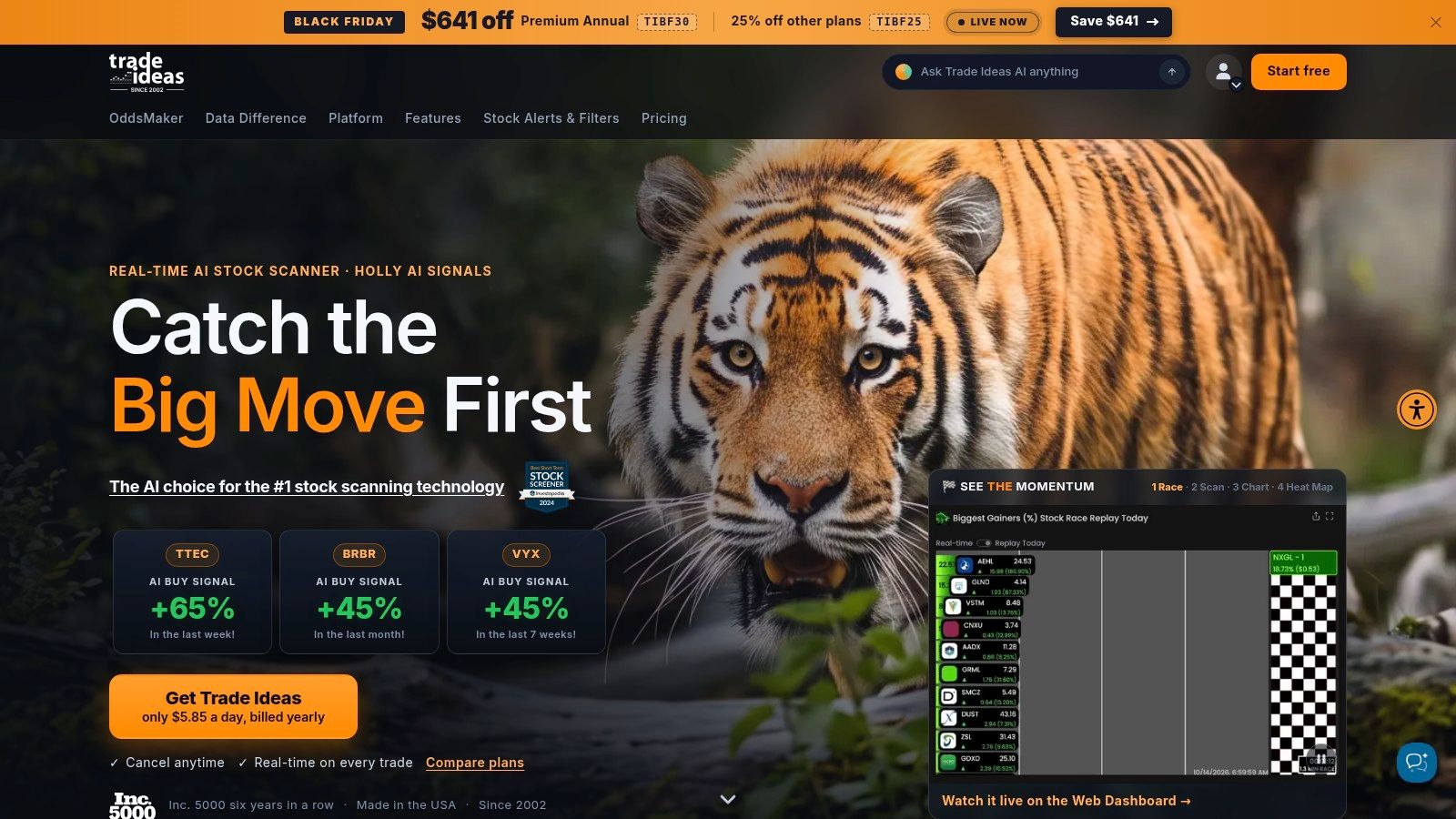
Premium adds Holly AI, which publishes daily intraday ideas with entry, target, and risk levels. That's decision support. You read the setup and decide whether to take it, which is exactly the right division of labour.
What the scanner gives you
Custom filters, streaming alerts, an AI Assistant that builds scans from plain English rather than memorized syntax, OddsMaker for backtesting, and real-time paper trading to rehearse on. Free delayed-data access lets you inspect the web dashboard before paying.
Pros
- Genuine scanning depth. Custom filters and streaming alerts are aimed at people who trade intraday, not people who check a chart at lunch.
- Paper trading included. You can test whether the alerts are worth acting on before committing capital.
- Free delayed data. Enough to judge the interface and the alert style.
Cons
- Premium pricing is high. The tier that matters costs real money every month.
- The best features are gated. Holly AI and the deeper backtesting sit behind Premium.
- Stock-centric. No crypto flow, no policy research, no filing coverage.
If your edge is intraday momentum, start with the workflow in real-time scanning for active traders before you pay for any scanner. Website: Trade Ideas
4. TrendSpider
TrendSpider bundles charting, scanning, backtesting, alerts, and bots into one technical toolkit, with Sidekick as the AI layer on top. It's the broadest single-platform technical stack here, and also the one with the most surface area to learn.
Where Sidekick earns its place
The useful part isn't that it discusses a chart. You can ask for a strategy, watch it test entry and exit variations in the Strategy Tester, and get back the actual rules with metrics attached. Save it and the strategy runs natively, with no ongoing dependency on the model.
Automated technical analysis, cloud alerts, bots with webhooks into your broker, and coverage across equities, ETFs, futures, forex, and crypto round out the stack. Futures data may cost extra, and Sidekick messages are capped monthly on platform plans.
Pros
- One stack for analysis and automation. Chart work, testing, alerts, and bot deployment stay in the same place.
- Multi-asset. Useful if you track futures or forex alongside stocks.
- Readable strategy logic. You see the exact entry and exit rules that were tested, not just a headline result.
Cons
- The learning curve is real. Breadth is the selling point and also the cost.
- Limits vary by tier. Bot, alert, and workspace caps change with your subscription.
- Add-on costs. Futures data and some advanced features sit outside the base plan.
A chart tells you where price went. A tested rule tells you what you would have done about it.
Swing traders who want repeatable setups rather than eyeballed patterns get the most out of it. Start with building a swing trade scanner before you wire up a bot. Website: TrendSpider
5. Tickeron
Tickeron is the "many kinds of AI signal" option. Pattern recognition, trend forecasts, screeners, trade ideas, AI robots, and model portfolios, spread across stocks, ETFs, forex, and crypto.
The pattern tools and the forecast screens are where many users begin.
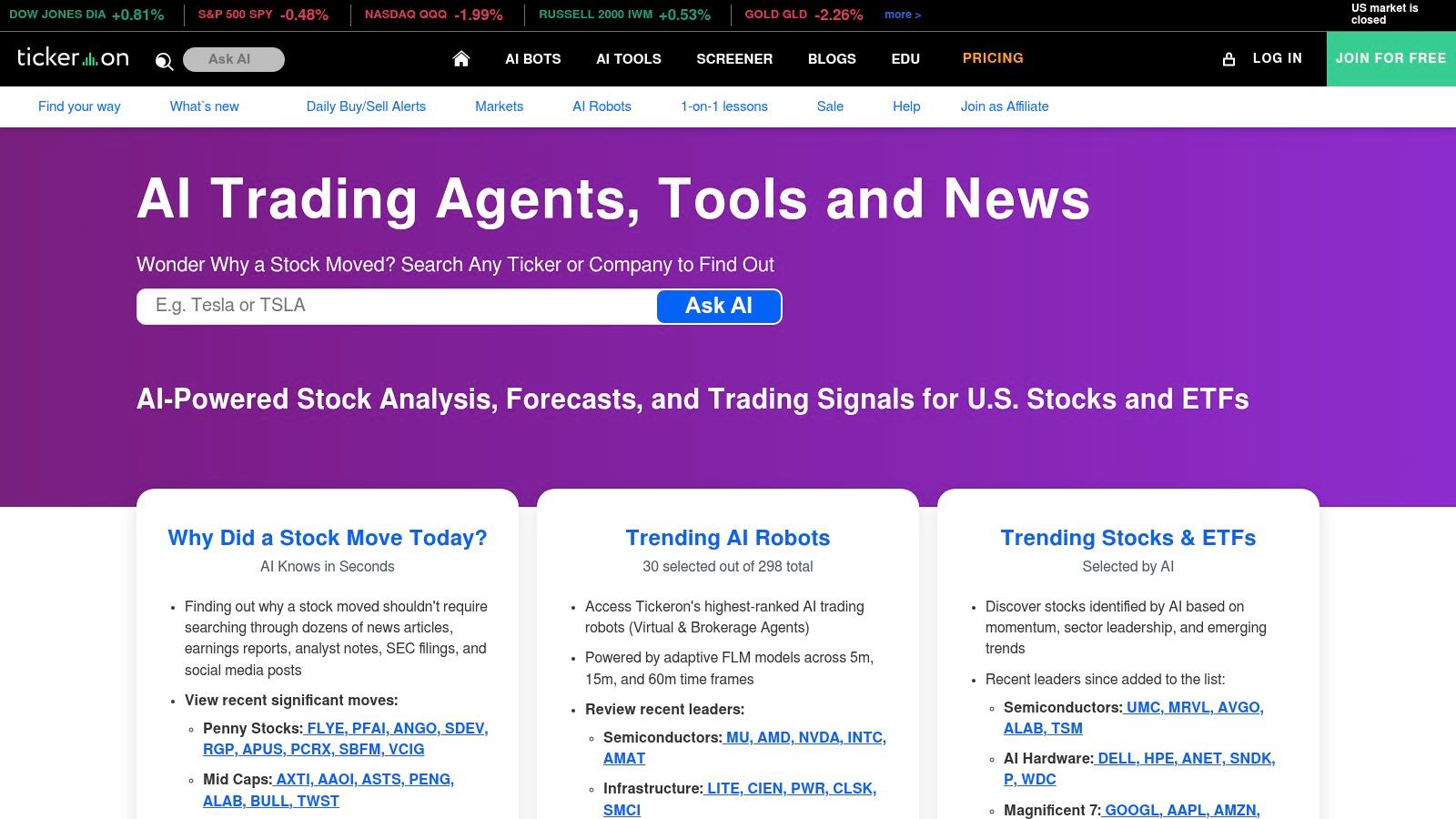
The trade-off is menu complexity. Which tools and robots you get depends on the product and the subscription you pick, and the combinations are hard to compare side by side.
What to check before you pay
Ask which robots and signals sit inside the tier you're considering, and whether the performance figures shown include the costs your broker would charge. A model portfolio with no fee assumptions is a sales document.
A Congressional Research Service review of AI in financial services notes that an international regulatory survey ranked algorithmic trading among the most frequently cited near-term uses of AI in finance, and flags risks that include weakened competition and automated systems sidelining human decision-makers. Forecast engines are a starting point for your own work, never an answer key.
Pros
- Variety of signal formats. Pattern search, forecasts, robots, and screeners give you different angles to compare.
- Broader asset coverage. Crypto and forex alongside equities and ETFs.
- Some free access and trials. Listed for selected products, which is enough to test the interface.
Cons
- Complex menus. Comparing plans takes effort before you can compare tools.
- Advanced robots are paid. The interesting automation sits behind higher tiers.
- Forecasts aren't outcomes. Model output and backtested robot performance don't convert into assured live results.
Website: Tickeron
6. Kavout
Kavout is a research layer, not a trading terminal. Research agents, an InvestGPT chat, AI stock pickers, and a wide set of market signals, covering global stocks and ETFs plus crypto and forex.
The research chat is the part many users use first.
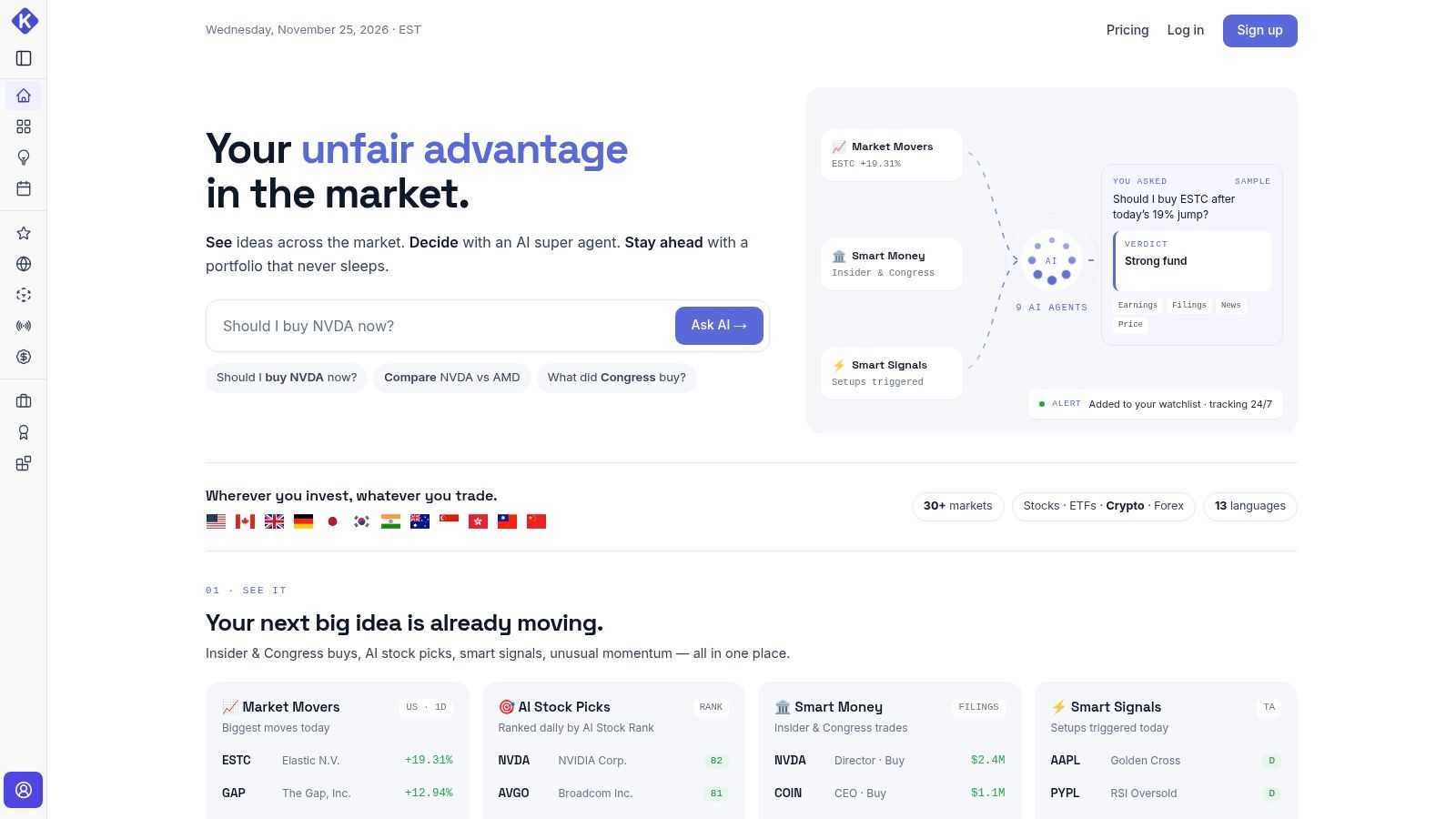
The feature that matters for this audience: eligible plans include insider and congressional trade data. That makes it a reasonable second screen if you already track disclosures elsewhere and want a model's read on the same names.
Where it stops
It won't route an order. Portfolio analysis and optimization sit on the higher tiers, and AI usage is capped by research credits on both free and paid plans. Treat credits as a budget, because they cap how many deep questions you can ask in a month.
Pros
- Research plus smart-money signals. AI analysis sits next to insider and congressional data rather than in a separate product.
- Global coverage. Stocks, ETFs, crypto, and forex in one place.
- Free tier for exploration. Enough to see whether the research style suits you.
Cons
- Credit limits. Free and paid tiers both meter AI use.
- Depth costs more. Portfolio tools and heavier research need the higher plans.
- No execution. It's a signal and research layer, so you still need a broker elsewhere.
If you're still working out what a signal is worth, read how to read AI trading signals first. Website: Kavout
7. Danelfin
Danelfin is explainable AI for stocks and ETFs, and the explanation is the product. Every AI Score ships with the positive and negative factors that moved it, plus price forecasts across several horizons, trade ideas, and portfolio tracking with broker sync on paid plans.
Why the score breakdown matters
A ranking you can't decompose is a horoscope with a number attached. Seeing which factors contributed lets you check whether you agree with the reasoning, and whether the model is leaning on something you'd call noise.
Adoption is the other half of the story. Hong Kong's Investor and Financial Education Council retail investor study found that more than 80% of retail investors had heard of AI investment tools, but only 4% reported using them, rising to 15% among investors under 30. Awareness isn't the bottleneck. Trust is, and a score you can decompose is how trust gets built.
Pros
- Transparent scoring. Contributors are visible, so you can audit the reasoning instead of accepting a rank.
- Free tier with substance. Reports, rankings, and a limited number of trade ideas at no cost.
- Portfolio tracking. A structured way to compare holdings and monitor changes on paid plans.
Cons
- Stocks and ETFs only. No crypto, no automated execution.
- Gated detail. Free access limits reports and how much score explanation you get.
- Scores are opinions with math behind them. Model output, not a promise of outperformance.
Website: Danelfin
8. QuantConnect
QuantConnect is for people who want to write the strategy, not rent one. The LEAN engine, code-based development, historical research, backtesting, optimization, and deployment across equities, forex, futures, options, and crypto.
Cloud research and local workflows both run through the same project structure.
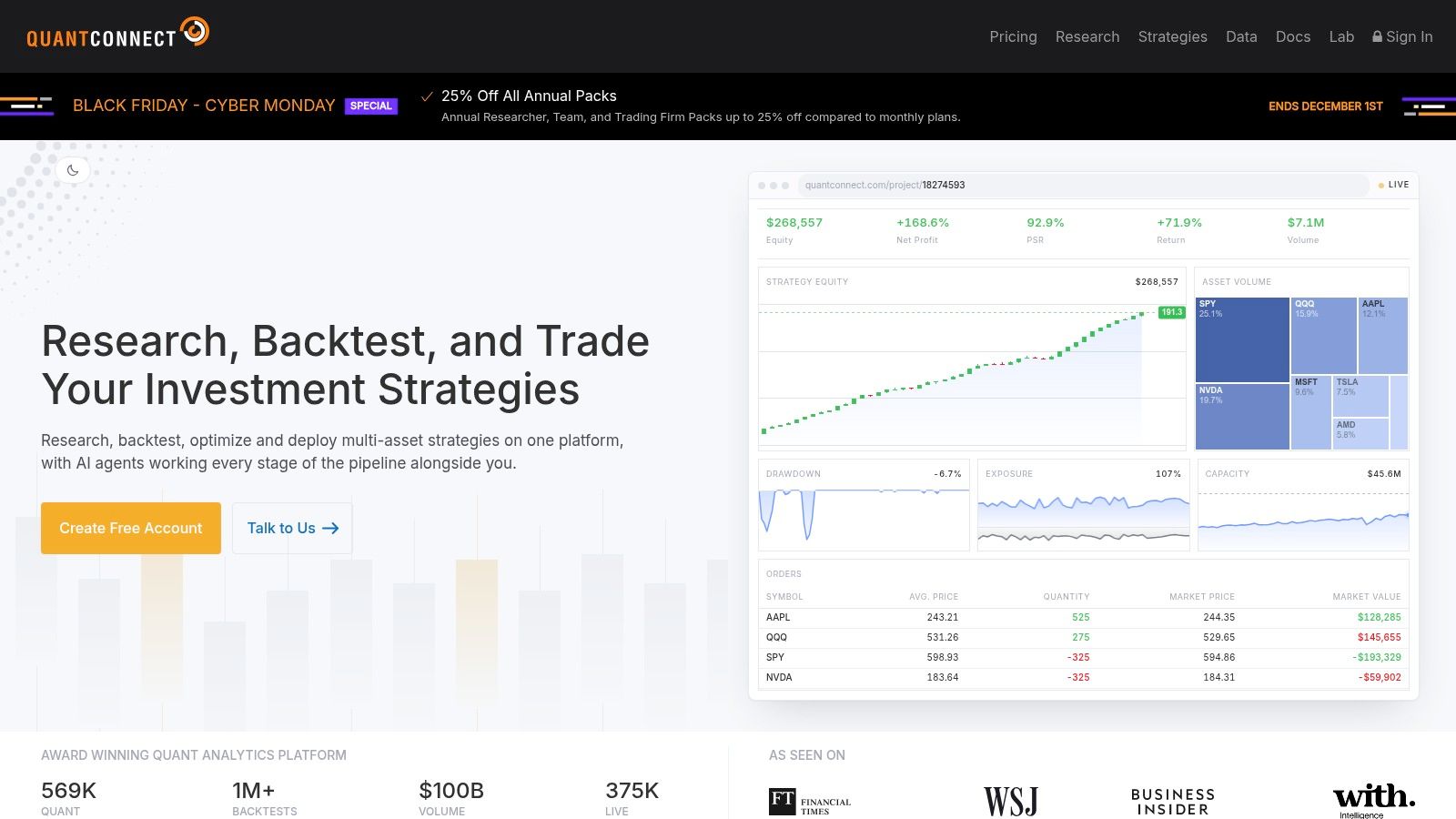
The free plan includes data access and unlimited backtesting, according to its pricing information. That's a useful place to find out whether an idea survives contact with data.
The cost that isn't on the price list
Skill. If you can't read a drawdown curve or reason about look-ahead bias, this platform will help you produce confident nonsense faster than any no-code tool.
The category around this tooling is expanding. Research and Markets values the global algorithmic-trading market at USD 17.9 billion in 2024 and projects USD 58.5 billion by 2034, a 12.32% compound annual growth rate. Growth in the category doesn't validate any single strategy you write.
Pros
- Real flexibility. You control the logic, the data, and the execution path.
- Free backtesting. Data access and unlimited backtests on the free plan.
- Tests your assumptions. Explicit rules fail loudly, which is the point.
Cons
- Technical skill required. Substantially more than any signal platform here.
- Live trading costs money. Compute and live deployment need paid plans or add-ons.
- Garbage in, garbage out. Results depend on strategy design, data assumptions, and execution conditions.
Get the data handling right before you build. Python for backtesting covers the parts that break most retail projects. Website: QuantConnect
9. Alpaca
Alpaca is infrastructure. Trading and market-data APIs, documentation for connecting an AI agent to order execution, commission-free equity trading for eligible retail accounts with tiered crypto fees, and paper trading for every user.
The developer console is the product.
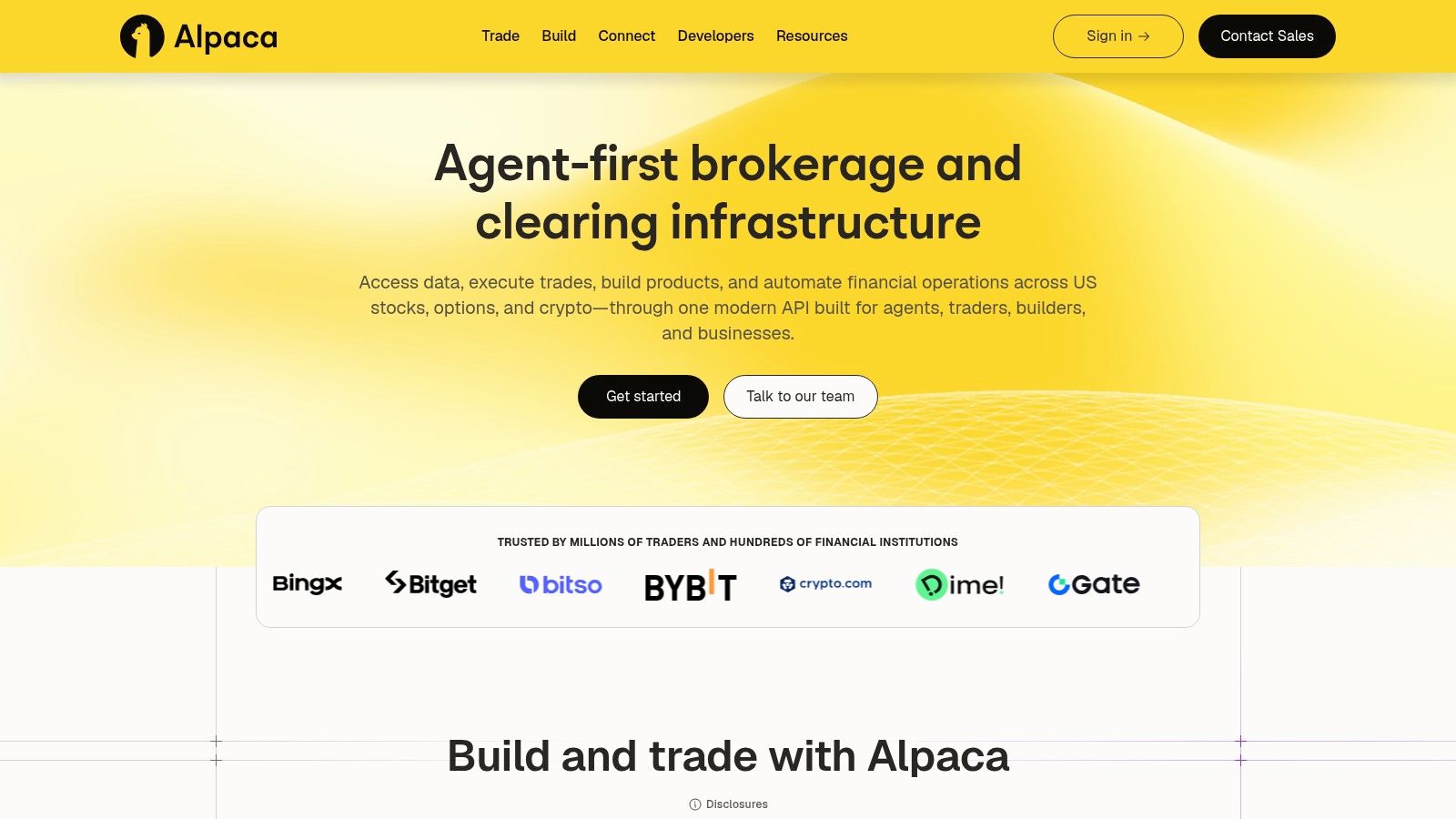
It doesn't ship a predictive model. You bring the logic. That's the honest version of AI trading: the broker provides the pipe, and you own the decision.
Why the pipe matters more than the pitch
Automation didn't start with generative AI. The SEC's report on algorithmic trading traces electronic order routing back to the NYSE's Designated Order Turnaround system in the early 1970s, and shows average daily reported U.S. equity volume climbing from about 3 billion shares in 2003 to nearly 10 billion in 2009. The exchanges, feeds, and routing were built decades before anyone asked a chatbot for a trade.
Pros
- From prototype to brokerage. Your code or agent experiments can reach a real order flow.
- Free paper trading. Test API workflows before any live capital is involved.
- Solid documentation. Custom integrations are supported rather than tolerated.
Cons
- You supply the strategy. No ready-made signal or research layer.
- API trading needs monitoring. Error handling, retries, and logging aren't optional extras.
- Data and fees vary. Market-data access and costs change by subscription and asset type.
Read how to choose a paper trading platform before you connect anything live. Website: Alpaca
10. TradingView
TradingView's AI contribution is narrow and useful. You describe an alert in plain language, it fills in the conditions, and you review and confirm them yourself.
The alert builder is where the AI sits.
That's about the right amount of automation for many users. It saves you from hand-building an indicator condition without handing over the decision.
What the AI alerts can't do
You can't create multiple alerts in a single request, some news and social-media conditions aren't available, and text requests require paid tiers with monthly limits that vary by plan. It isn't a predictive model and it doesn't trade for you.
Pros
- Fast alert setup. Plain language in, editable conditions out, no indicator syntax required.
- Review before commit. You inspect and change the proposed conditions before the alert exists.
- Familiar charting. Indicators, screeners, and watchlists most traders already know.
Cons
- Limited scope. Alert creation is the whole AI feature, not a research engine.
- Paid tiers and caps. Text requests are metered monthly.
- No signals. An alert firing is a notification, not a recommendation.
Website: TradingView
How the 10 AI trading platforms compare on role, practice tools, automation, and entry cost
| Item | Main Role | Paper Trading | Automation | Starting Price |
|---|---|---|---|---|
| TradeLikeInsiders | Disclosure, insider-activity, and policy research with alerts | Yes, simulated portfolio with journaling | Alerts and research tools; no live trade execution specified | Free plan; paid from $9.99/month |
| Composer by SoFi | No-code strategy creation and investing | Not specified | Automated strategy execution | Free Starter tier |
| Trade Ideas | U.S. stock scanning and trade ideas | Yes, real-time paper trading | Scans and alerts; traders decide whether to act | Free delayed-data access; paid pricing not specified |
| TrendSpider | Technical analysis, charting, and strategy tools | Not specified | Trading bots, alerts, and strategy testing | Plan pricing not specified |
| Tickeron | AI market analysis, forecasts, and trading robots | Not specified | AI trading robots available | Free access or trials for some products |
| Kavout | AI investment research and market signals | Not specified | Research and signals; automated execution not specified | Free tier |
| Danelfin | Explainable AI stock and ETF research | Not specified | Portfolio tracking; no automated execution specified | Free tier |
| QuantConnect | Quant strategy development and testing | Yes | Build, test, and deploy trading algorithms | Free plan |
| Alpaca | Brokerage APIs and trading infrastructure | Yes, free paper trading | API-based automated trading | Free paper trading; fees vary |
| TradingView | Charting, market analysis, and alerts | Not specified | AI-assisted alerts; no autonomous trading | Plan pricing varies |
Match the Tool to Your Question, Then Verify Everything
Start with the job, not the feature list. If you want to understand why a signal exists, you need research and explanation. If you want a stream of setups to evaluate, you need decision support. If you want to know whether a rule survived history, you need backtesting. If you want the order to go out, you need execution. Buying a scanner when your question is "what did that filing say" wastes money, and so does buying a research platform when you wanted a bot.
Four jobs, four answers
- Research and explanation. TradeLikeInsiders for disclosure-linked synthesis, Danelfin for decomposed stock scores, Kavout for AI research over global markets.
- Decision support. Trade Ideas for intraday scanning, TradingView for chart-based alerting you configure and confirm.
- Backtesting and strategy building. Composer for no-code rules, TrendSpider for a technical stack with bots, QuantConnect for code you own.
- Execution and infrastructure. Alpaca for API-driven order flow, with Composer and TrendSpider covering lighter automation.
Whichever you pick, verify at the source. House and Senate financial disclosures are public documents. SEC EDGAR holds the Form 4 filings and the 13F holdings reports. Read the filing before you accept any platform's summary of it, because summaries compress exactly the details that matter: the date, the direction, the size bucket, and whether a purchase was later reversed.
Where the delay bites: A congressional filing can reach the public up to 45 days after the transaction, and the dollar figure is a range. Any alert built on that data is a dated observation, not a trade you can follow in real time.
That's the trade-off most roundups skip. Tools that connect to government and insider disclosures are useful precisely because the information is slow, structured, and public, not because they give you a jump on anyone. If a platform implies you're front-running a senator, it's selling you something else.
We built TradeLikeInsiders around that idea: congressional trades, insider activity, whale moves, and policy signals in one place, with the disclosure data clearly marked as delayed rather than real-time.
This content is for informational purposes only and is not financial advice. Do your own research.
If you'd rather watch the disclosure flow than guess at it, TradeLikeInsiders brings congressional filings, SEC Form 4 insider activity, on-chain whale flow, and policy signals into one dashboard, with AI summaries that carry their citations and a paper-trading terminal for testing your read before you risk anything. The disclosures arrive delayed, exactly like the filings they come from, and every signal is framed as research rather than a recommendation. Start on the free plan at TradeLikeInsiders and see whether the workflow matches how you make decisions.